Business Analytics Training in Mangaluru
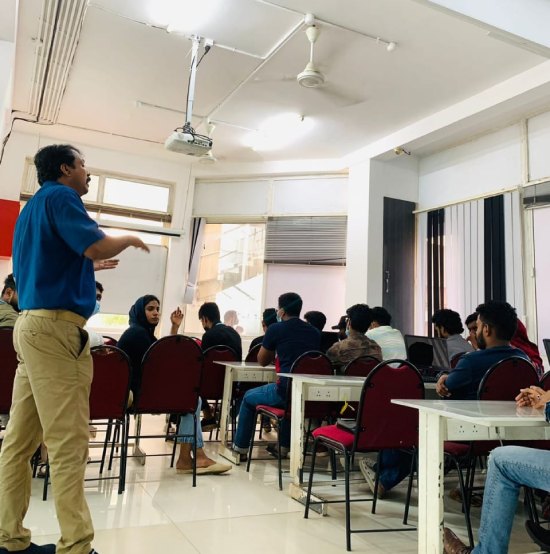
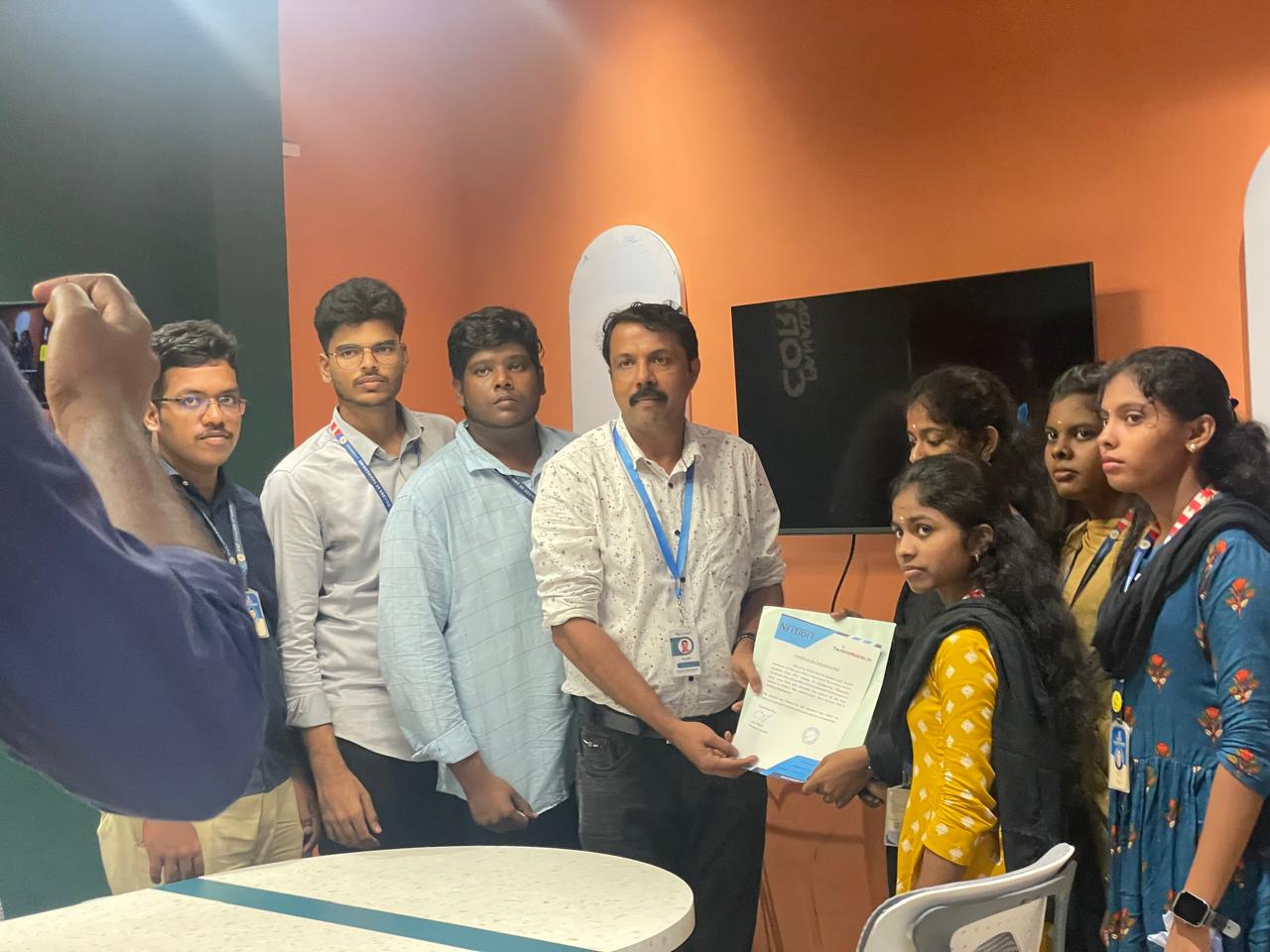
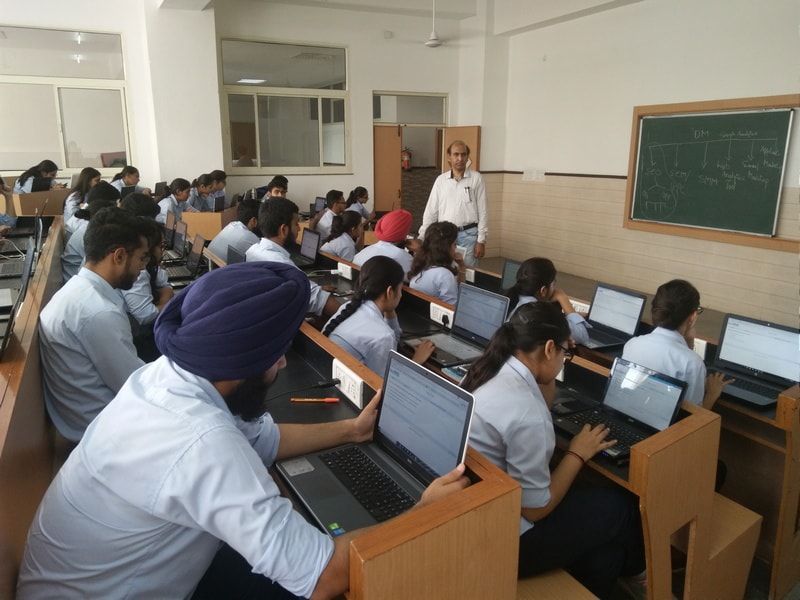
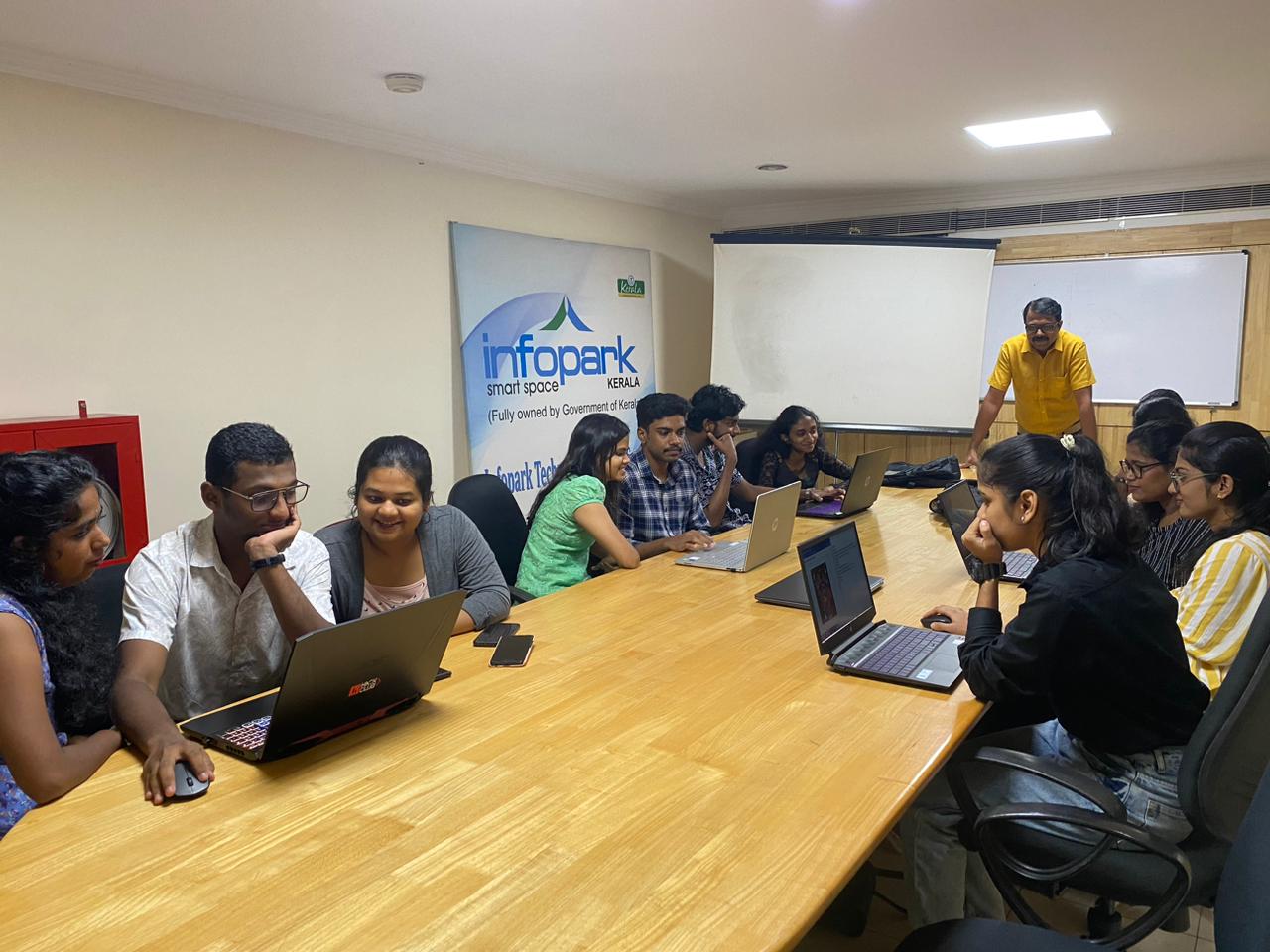
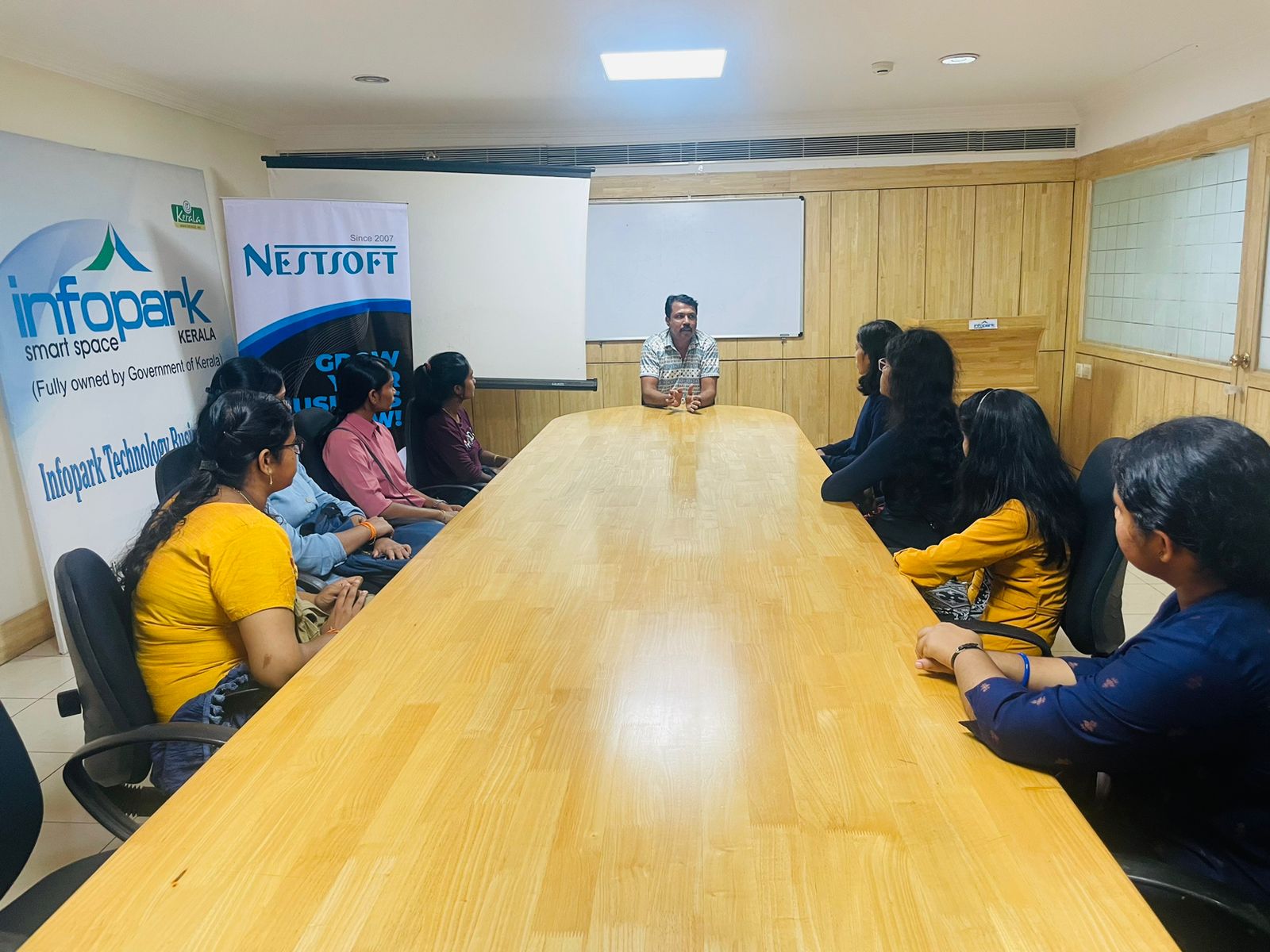
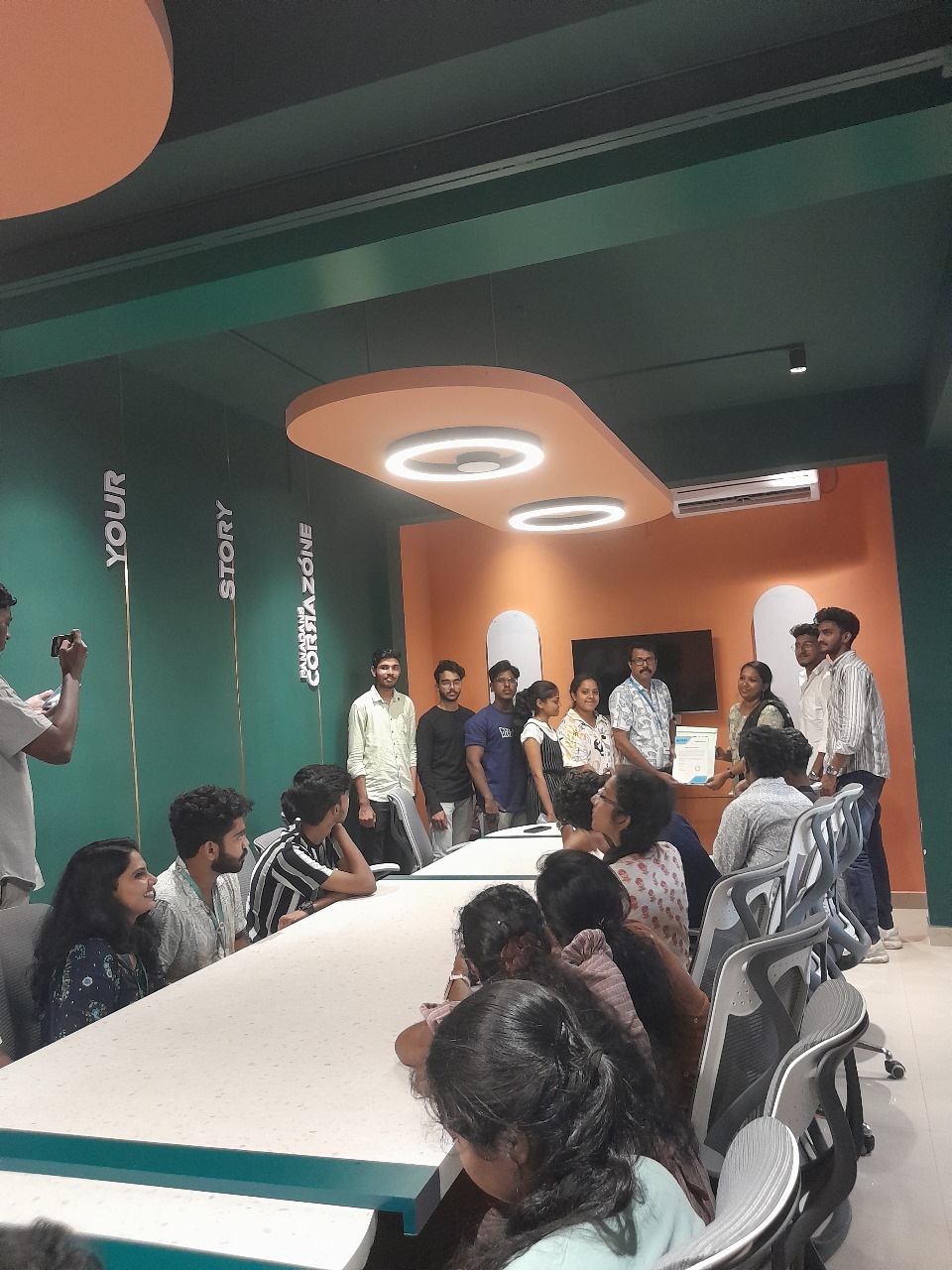
Our Training/Internship Process

Business Analytics - Syllabus, Fees & Duration
Business Analytics Course Syllabus (60 Hours)
Mode: Live Online / Offline
Level:
Beginner to Intermediate
Certification: Yes
Placement Assistance: Included
Module 1: Introduction to Business Analytics (3 Hours)
-
What is Business Analytics?
-
Importance of data-driven decision making
-
Types of analytics: Descriptive, Predictive, Prescriptive
-
Analytics in different business functions (HR, Marketing, Finance)
Module 2: Statistics and Data Interpretation (6 Hours)
-
Basic statistics: mean, median, mode, range, standard deviation
-
Probability concepts
-
Data distribution and sampling
-
Hypothesis testing
-
Use of Excel/SPSS for basic statistics
Module 3: Excel for Business Analytics (6 Hours)
-
Advanced Excel functions: VLOOKUP, HLOOKUP, INDEX-MATCH
-
PivotTables, PivotCharts
-
Conditional formatting, What-If analysis
-
Excel Dashboards for data visualization
Module 4: SQL for Data Extraction (6 Hours)
-
Introduction to relational databases
-
Writing queries: SELECT, WHERE, GROUP BY, JOIN
-
Aggregation and filtering data
-
Real-time data extraction exercises
Module 5: Data Visualization (6 Hours)
-
Importance of visualization in analytics
-
Introduction to Tableau / Power BI
-
Charts, filters, dashboards
-
Visual storytelling with data
Module 6: Predictive Analytics & Forecasting (9 Hours)
-
Linear regression
-
Logistic regression
-
Time series forecasting
-
Model evaluation techniques (R², RMSE)
-
Use of tools: Excel, Python (optional introduction)
Module 7: Business Intelligence Concepts (5 Hours)
-
ETL process overview
-
BI systems in enterprises
-
KPIs & performance metrics
-
Case studies from domains: retail, finance, healthcare
Module 8: Real-Time Projects & Capstone (10 Hours)
-
Project planning & requirement gathering
-
Work on real datasets
-
Build a dashboard/report
-
Present findings to a panel
-
Individual or group project submission
Module 9: Career Preparation & Certification (3 Hours)
-
Resume building with analytics skills
-
Mock interview & Q&A
-
Job roles in business analytics
-
Final test & certification issue
Tools Covered
-
Microsoft Excel (Advanced)
-
SQL (MySQL/PostgreSQL)
-
Tableau / Power BI
-
Optional: Basics of Python for analytics
This syllabus is not final and can be customized as per needs/updates
- Since 2001, Making IT Experts by Experts
- Duration: 60 Hours (Vary as per your skill)
- Course Fees
- Individual Live Classes (1:1)
- Batch Classes @ Low Fees
- Training on Your Time, Any Where
- Access to Recorded Videos
- Practical Internship on Projects
- 100% Placement Support by our jobsHybrid.com
- Training/Internship Certificate
- Agra
- Ahmedabad
- Alappuzha
- Aurangabad
- Bangalore
- Belgaum
- Bellary
- Bhubaneswar
- Chennai
- Cochin
- Coimbatore
- Delhi
- Dindigul
- Erode
- Gulbarga
- Guntur
- Gurgaon
- Haryana
- Hyderabad
- Idukki
- Indore
- Jaipur
- Kalyan
- Kannur
- Kanpur
- Kasaragod
- Kerala
- Kolkata
- Kollam
- Kottayam
- Kozhikode
- Lucknow
- Madurai
- Malappuram
- Mangaluru
- Mumbai
- Mysuru
- Nagpur
- Nashik
- Navi Mumbai
- Nizamabad
- Noida
- Palakkad
- Pathanamthitta
- Pune
- Punjab
- Salem
- Shimla
- Solapur
- Surat
- Thane
- Thanjavur
- Thirunelveli
- Thoothukudi
- Thrissur
- Tiruchirappalli
- Tiruppur
- Trivandrum
- Vadodara
- Varanasi
- Vellore
- Vijayawada
- Visakhapatnam
- Wayanad
Course Highlights
Our Locations

 Students will learn to interpret data, apply statistical techniques, build dashboards, and use predictive models for informed decision-making. Delivered through live interactive sessions by industry experts, it includes a capstone project, certification, and placement assistance for eligible candidates. Nestsoft’s Business Analytics Course is designed to equip learners with the analytical tools and decision-making skills needed in today’s data-driven business environment.
Whether you’re a student, professional, or entrepreneur, this course is ideal for anyone looking to enhance their analytical thinking and career prospects. This 60-hour program combines theory with hands-on training in Excel, SQL, Tableau/Power BI, and real-world business scenarios to help you turn data into actionable insights.
Start your journey to becoming a data-savvy decision-maker and gain a competitive edge in the business world. The course covers essential topics like descriptive and inferential statistics, data visualization, business intelligence, and the basics of predictive analytics.
Students will learn to interpret data, apply statistical techniques, build dashboards, and use predictive models for informed decision-making. Delivered through live interactive sessions by industry experts, it includes a capstone project, certification, and placement assistance for eligible candidates. Nestsoft’s Business Analytics Course is designed to equip learners with the analytical tools and decision-making skills needed in today’s data-driven business environment.
Whether you’re a student, professional, or entrepreneur, this course is ideal for anyone looking to enhance their analytical thinking and career prospects. This 60-hour program combines theory with hands-on training in Excel, SQL, Tableau/Power BI, and real-world business scenarios to help you turn data into actionable insights.
Start your journey to becoming a data-savvy decision-maker and gain a competitive edge in the business world. The course covers essential topics like descriptive and inferential statistics, data visualization, business intelligence, and the basics of predictive analytics.