Send enquiry ⏎

Adobe Illustrator Training in Wayanad

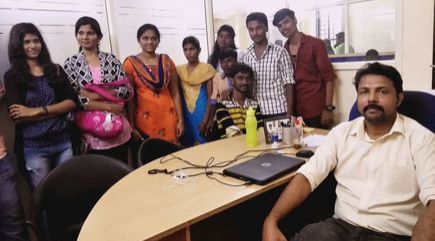
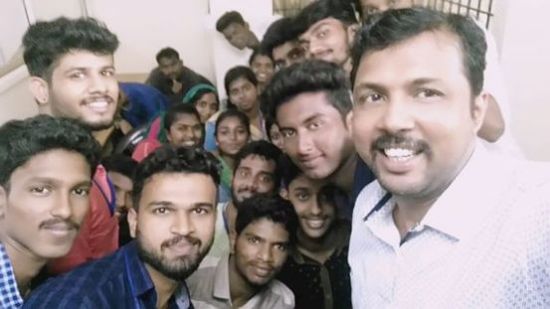
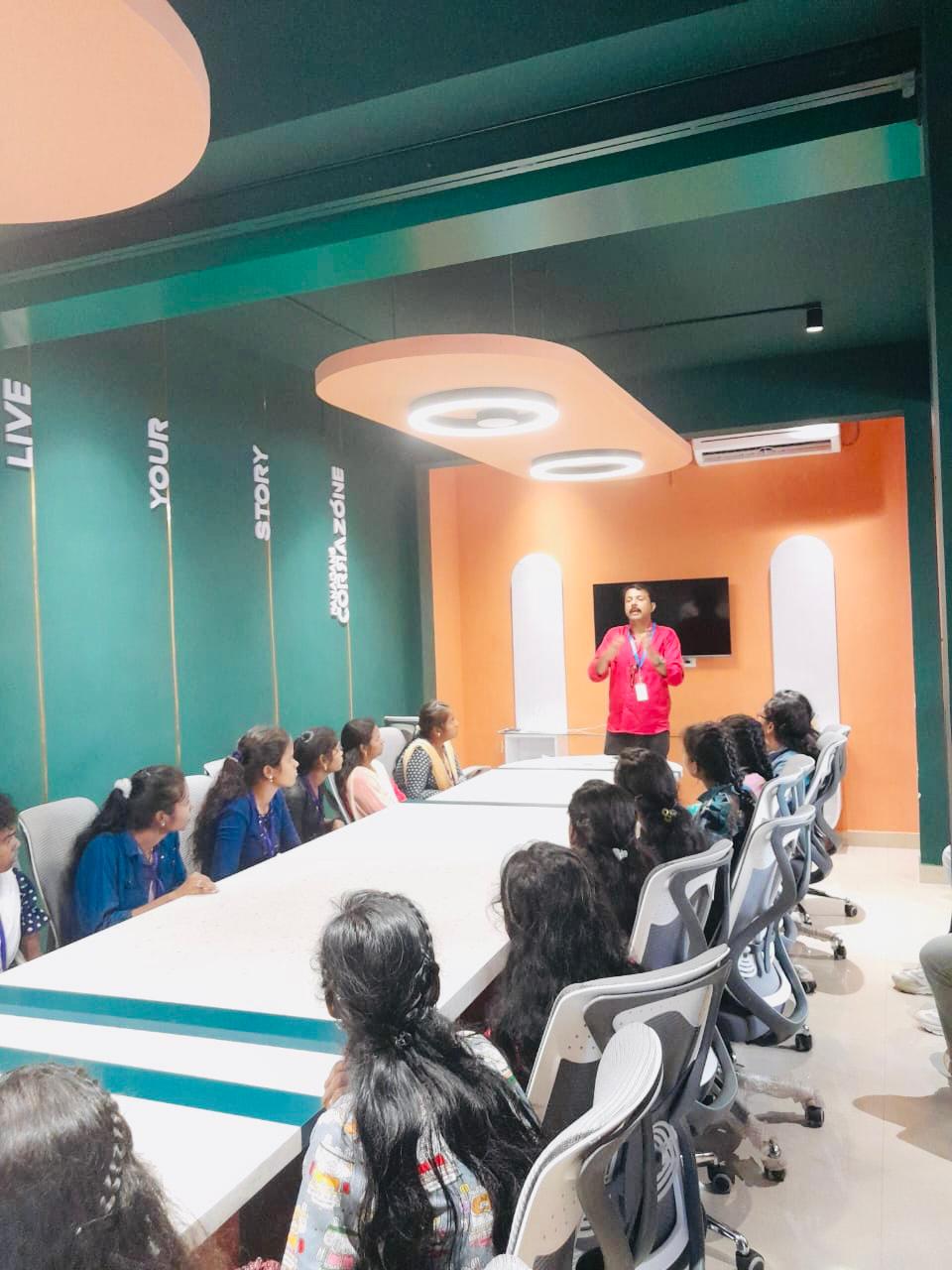
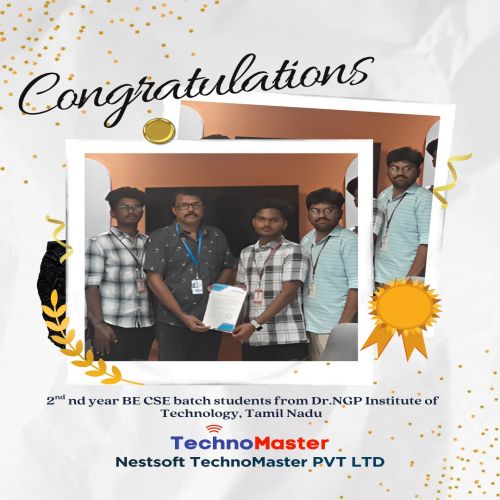
Our Training/Internship Process

Adobe Illustrator Training in Wayanad | Free Demo Class

Adobe Illustrator - Syllabus, Fees & Duration

      Module 1: Introduction to Illustrator (1.5 hrs)

    • Overview of Vector Graphics vs. Raster Graphics
    • Illustrator Interface and Navigation
      • Artboards and Workspaces
      • Tools Panel and Properties Panel
    • Creating and Saving Documents
    • Understanding File Formats (AI, EPS, SVG, PDF)

      Module 2: Basic Drawing Tools (2 hrs)

    • Shapes and Paths
      • Rectangle, Ellipse, Polygon, Line tools
      • Working with Fill and Stroke
    • Pen Tool Basics
      • Drawing and Editing Paths
      • Anchor Points and Handles
    • Using the Pencil and Brush Tools

      Module 3: Colors and Gradients (1.5 hrs)

    • Understanding the Color Panel
      • RGB vs. CMYK Modes
      • Swatches and Global Colors
    • Gradients and Gradient Mesh
    • Applying Transparency and Blending Modes

      Module 4: Working with Text (1.5 hrs)

    • Creating and Formatting Text
      • Character and Paragraph Panels
    • Converting Text to Outlines
    • Text on a Path and Text Wrap

      Module 5: Layers and Organizing Artwork (1.5 hrs)

    • Layers Panel Overview
      • Grouping and Ungrouping Objects
      • Locking, Hiding, and Rearranging Layers
    • Clipping Masks
    • Using Guides, Grids, and Smart Guides

      Module 6: Advanced Tools and Effects (2 hrs)

    • Pathfinder and Shape Builder Tools
    • Using the Appearance Panel
      • Applying Effects (Drop Shadow, Outer Glow, etc.)
    • Working with Symbols
    • Creating Patterns

      Module 7: Image Tracing and Masking (1.5 hrs)

    • Image Trace Tool
    • Creating and Using Clipping Masks
    • Opacity Masks for Advanced Effects

      Module 8: Exporting and Finalizing Projects (1.5 hrs)

    • Preparing Artwork for Print vs. Digital
    • Exporting File Formats (PNG, SVG, PDF, etc.)
    • Packaging Files for Clients or Printers

      Module 9: Hands-on Project (2 hrs)

    • Creating a Simple Logo Design
    • Designing a Business Card or Poster
    • Applying Learned Skills to a Practical Task

Download Syllabus - Adobe Illustrator
This syllabus is not final and can be customized as per needs/updates
   
10000+
20+
50+
25+

Adobe Illustrator Jobs in Wayanad

Enjoy the demand

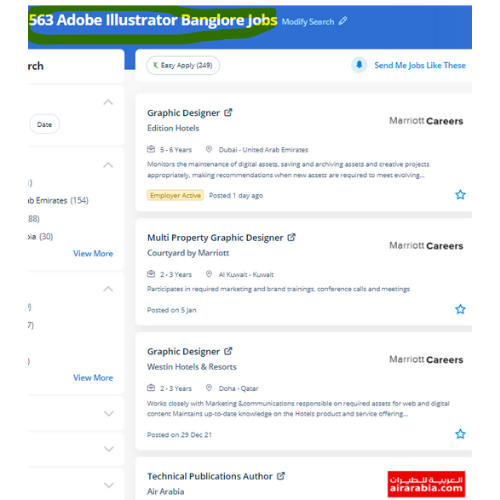
Find jobs related to Adobe Illustrator in search engines (Google, Bing, Yahoo) and recruitment websites (monsterindia, placementindia, naukri, jobshybrid.com, indeed.co.in, shine.com etc.) based in Wayanad, chennai and europe countries. You can find many jobs for freshers related to the job positions in Wayanad.

  • Graphic Designer
  • Graphic Trainer
  • Industrial Designer
  • Web Designer
  • Freelance Graphic Designer
  • Illustrator Designer
  • Design Assistant
  • Creative Designer
  • Digital UI/UX Designer
  • Female Graphic Designer

Adobe Illustrator Internship/Course Details

Adobe Illustrator internship jobs in Wayanad
Adobe Illustrator Most of the print and screen designers use illustrator to make styles and artwork. Attain hands-on coaching via live projects with our team. There are various further capabilities to be had to modify the graphics being created via this method also. Our distinctive approach of coaching students into figures involves you working on live projects. The illustrator CC interface contains the tools, panels, menu, command, document, window, and artboards you will use when creating or editing an illustrator document. one among the options is it permits users to freely produce projects across completely different software system merchandise because that designed a unified program environment. Why Adobe Illustrator is so Good ?: It gives a helpful user interface Print at high resolution Good for drawing illustrations Files create in manageable sizes It Is Compatible with All Computer Systems Adobe illustrator could be a sensible tool as you'll see from the deserves we shared. This provides you the advantage of getting hands-on experience on illustrator projects whereas you are still learning. you can use Adobe artist on all computer systems so long as the operating system is updated. Our on-line training course in learn the way a Vector application Creates shapes Composed of points, lines, and curves .


Meet a Few of our Industry Experts 🚀 Your Pathway to IT Career

Shilpa

Mobile: +91 94975 90866
Location: Online (Wayanad, India)
Qualification: Be

Experience: Training in software testing   more..

TAPAN

Mobile: +91 91884 77559
Location: Online (Wayanad, India)
Qualification: MCA

Experience: My Skills is C C++ JAVA C# ASP NET HTML CSS JAVASCRIPT BOOTSTRAP MYSQL SQL SERVER Experience is now I  more..

Yatendra

Mobile: +91 98474 90866
Location: Online (Wayanad, India)
Qualification: Mba

Experience: I am good in smo and seo with graphic design  more..

Shaly

Mobile: +91 91884 77559
Location: Online (Wayanad, India)
Qualification: B.E Electronics and Instrumentation

Experience: Quality Analyst Data Quality Elastic search Kibana Software testing Selenium Jmeter  more..

Nancy

Mobile: +91 89210 61945
Location: Online (Wayanad, India)
Qualification: MCA

Experience: Expert in manual testing Mainly concerned on mobile application testing (Android and iOS) and web application &server testing   more..

Vivek

Mobile: +91 91884 77559
Location: Online (Wayanad, India)
Qualification: BCA

Experience: Web development projects and pursuing course in data science   more..

Naga

Mobile: +91 8301010866
Location: Online (Wayanad, India)
Qualification: Bsc information Technology

Experience: Dear Hiring Manager I am writing to express my keep interest in the Automation Tester position at your company which  more..

Jimmi

Mobile: +91 8301010866
Location: Online (Wayanad, India)
Qualification: BE

Experience: Currently I am working as full stack developer I got training on core php and laravel My whole experience is  more..

Tarun

Mobile: +91 91884 77559
Location: Online (Wayanad, India)
Qualification: MCA

Experience: I have 6-8 months of experience in manual testing   more..

Ranu

Mobile: +91 91884 77559
Location: Online (Wayanad, India)
Qualification: Electrical engineering

Experience: I recently completed my pg diploma in secure software development from cdac Hyderabad I have knowledge or c programming basic  more..

Rinil

Mobile: +91 91884 77559
Location: Online (Wayanad, India)
Qualification: 3year diploma in software engneering &digital marketing

Experience: Ms office seo Google ads social media marketing email marketing 1year experience in jiopoint assistant manager   more..

Vidisha

Mobile: +91 91884 77559
Location: Online (Wayanad, India)
Qualification: BE

Experience: I have 4 + years of experience in WordPress developer I designed 40+ website using WordPress html css and bootstrap  more..

Sandip

Mobile: +91 89210 61945
Location: Online (Wayanad, India)
Qualification: Mca

Experience: C and cop Core java android flutter   more..

Anwar

Mobile: +91 91884 77559
Location: Online (Wayanad, India)
Qualification: B.Tech CSE

Experience: My technical skills are html css javascript python and basic knowledge of php and ReactJS I am inter in Cetpa  more..

Sreejith.

Mobile: +91 91884 77559
Location: Online (Wayanad, India)
Qualification: BTech ECE

Experience: Java manual testing SQL javascript html css  more..

Punitkumar

Mobile: +91 91884 77559
Location: Online (Wayanad, India)
Qualification: Bachelor of computer science

Experience: I have a knowledge of cloud computing and python I have a completed my diploma in cyber security and Ethical  more..

Sabna

Mobile: +91 89210 61945
Location: Online (Wayanad, India)
Qualification: 3yr diploma in computer engineering at IPT & GPTC Shoranur

Experience: I have one year experience in php and am currently working as a node js developer I have experience in  more..

Ankita

Mobile: +91 94975 90866
Location: Online (Wayanad, India)
Qualification: BscIt

Experience: Wordpress Bootestrap Html Css Javscript php  more..

Chintan

Mobile: +91 98474 90866
Location: Online (Wayanad, India)
Qualification: Diploma in computer engineering

Experience: I'm a have good knowledge about professional android deployment like jetpack component MVVM Kotlin  more..

John

Mobile: +91 9895490866
Location: Online (Wayanad, India)
Qualification: B. Tech

Experience: Flutter and dart Java android   more..

Abhijeet

Mobile: +91 94975 90866
Location: Online (Wayanad, India)
Qualification: BBA

Experience: Figma I have done I have done UI &UX design  more..

Ashish

Mobile: +91 98474 90866
Location: Online (Wayanad, India)
Qualification: Frontend developer

Experience: 4+ years HTML5 CSS3 bootstrap Webflow Unbounse react(basics) Shopify(learning)  more..

Nikhila

Mobile: +91 98474 90866
Location: Online (Wayanad, India)
Qualification: Bca

Experience: Fresher Html angular dbms  more..

Anu

Mobile: +91 8301010866
Location: Online (Wayanad, India)
Qualification: BTech

Experience: I am writing to express my interest in the front end developer position With a proven track record in application  more..

Success Stories

The enviable salary packages and track record of our previous students are the proof of our excellence. Please go through our students' reviews about our training methods and faculty and compare it to the recorded video classes that most of the other institutes offer. See for yourself how TechnoMaster is truly unique.

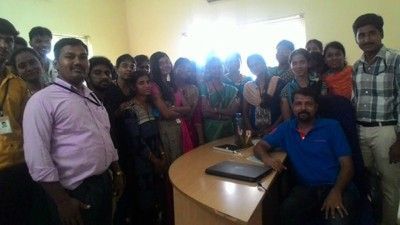
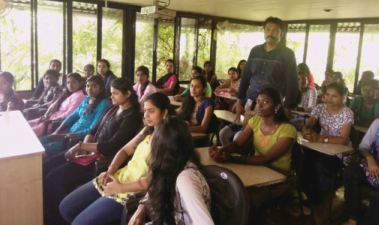
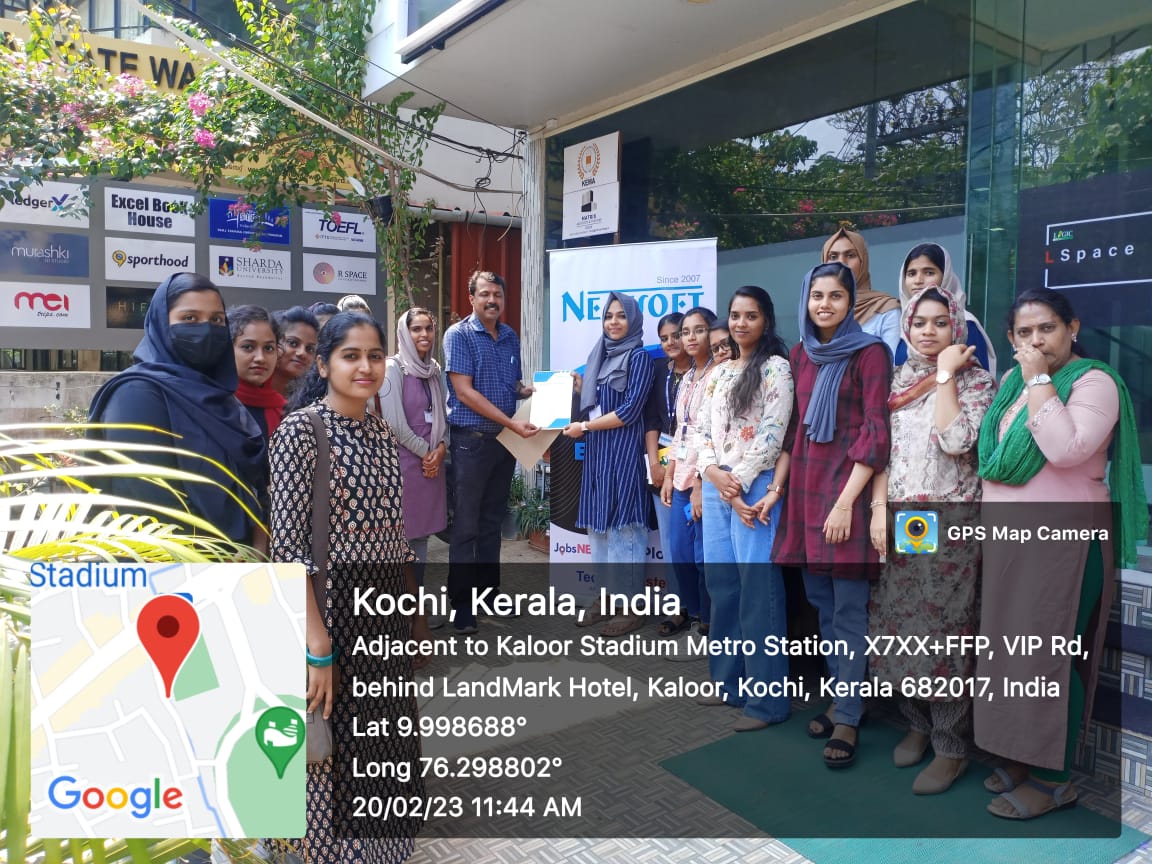
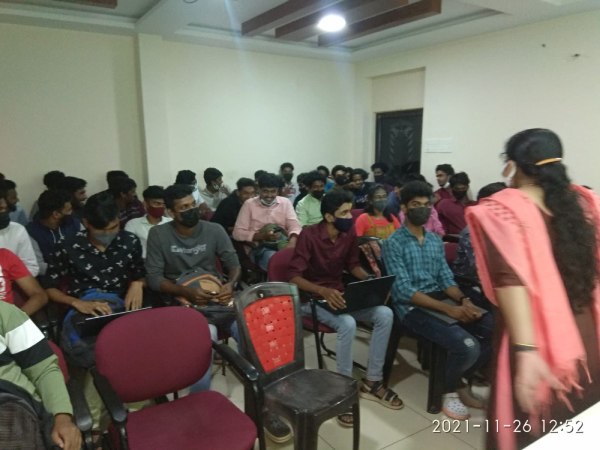
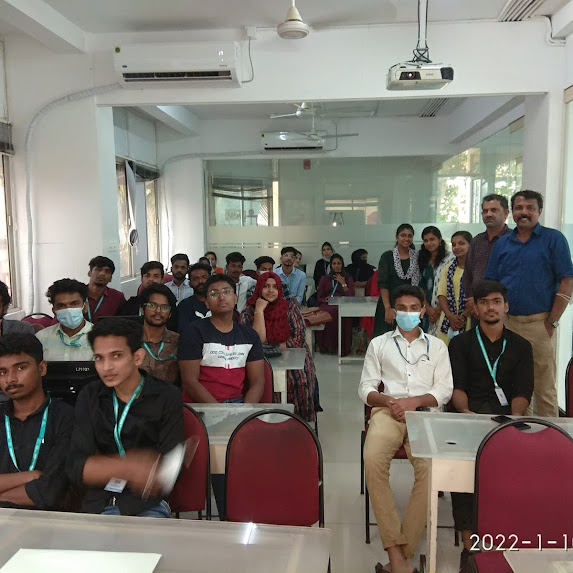
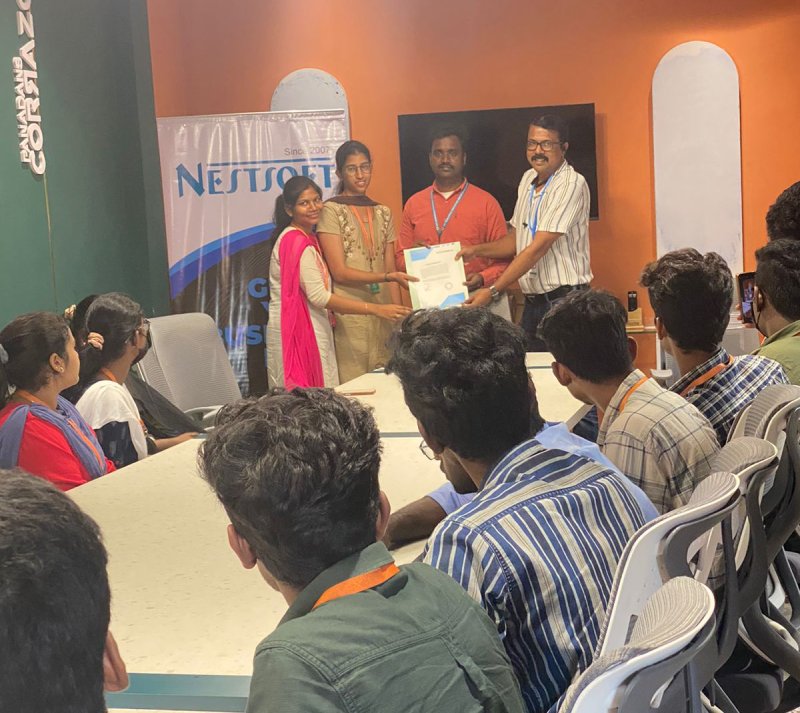
Photos of Training / Internships

Internship/projects in wayanad

Trained more than 10000+ students who trust Nestsoft TechnoMaster

Get Your Personal Trainer