Android Training in Belgaum
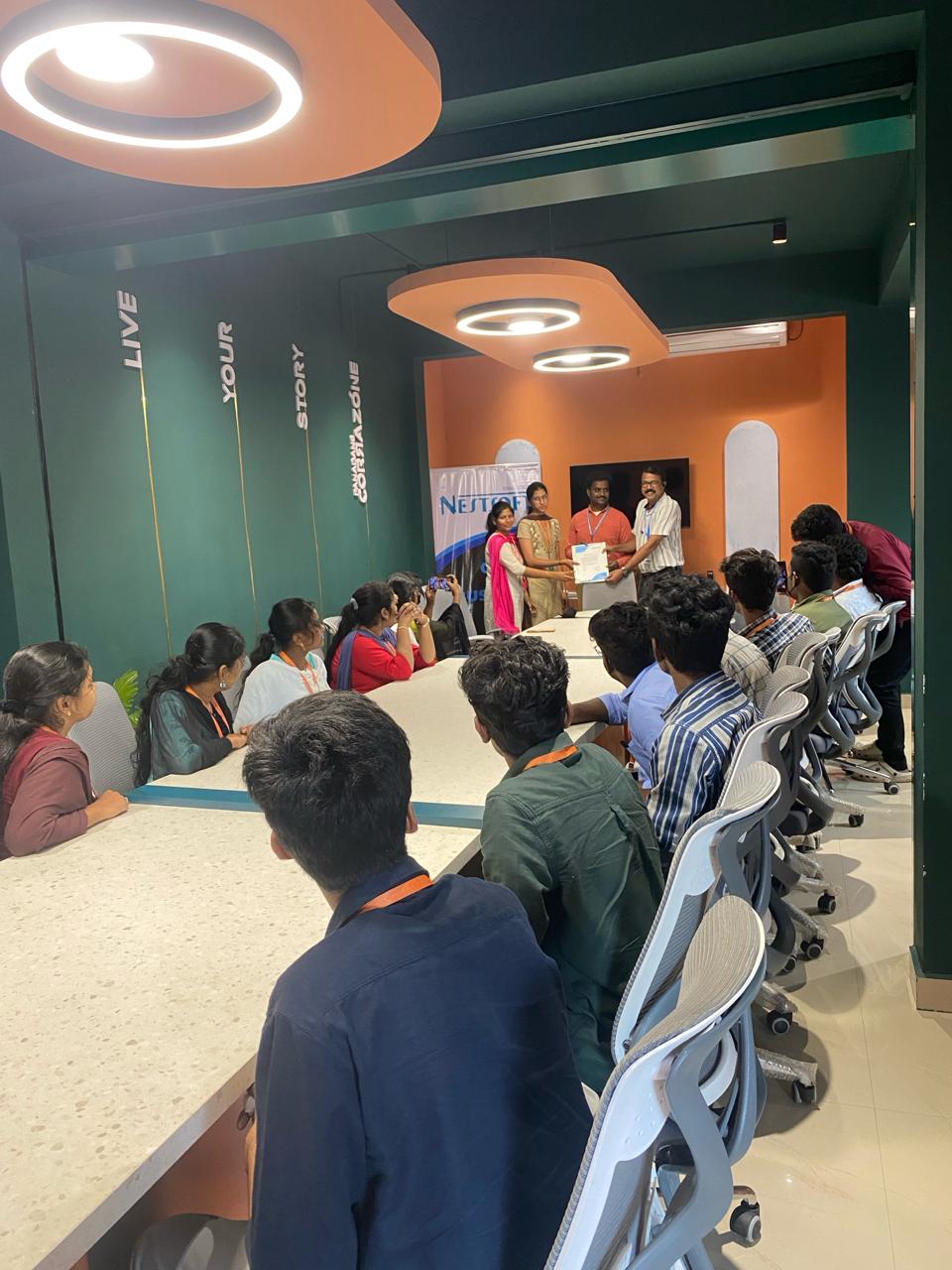
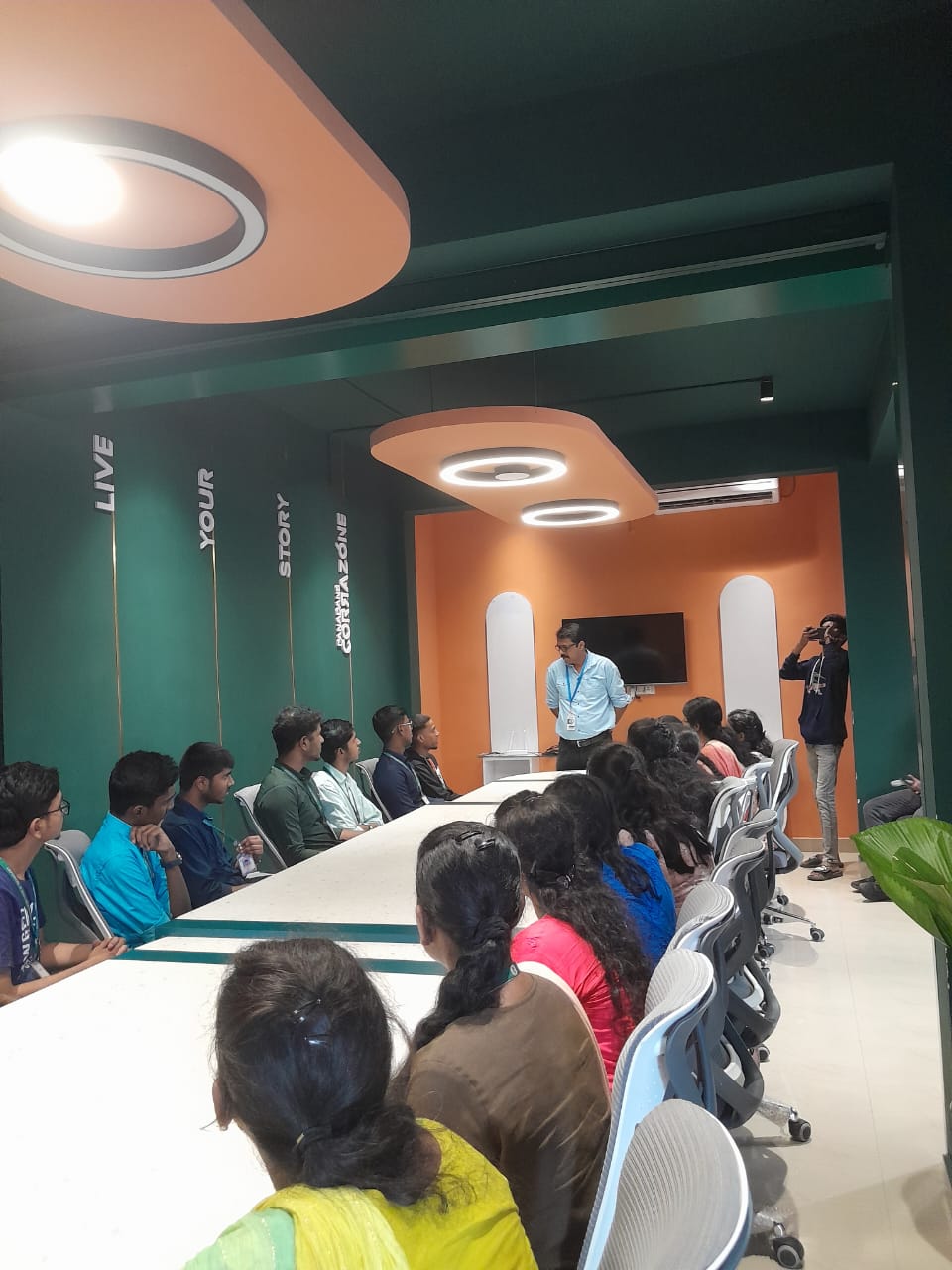
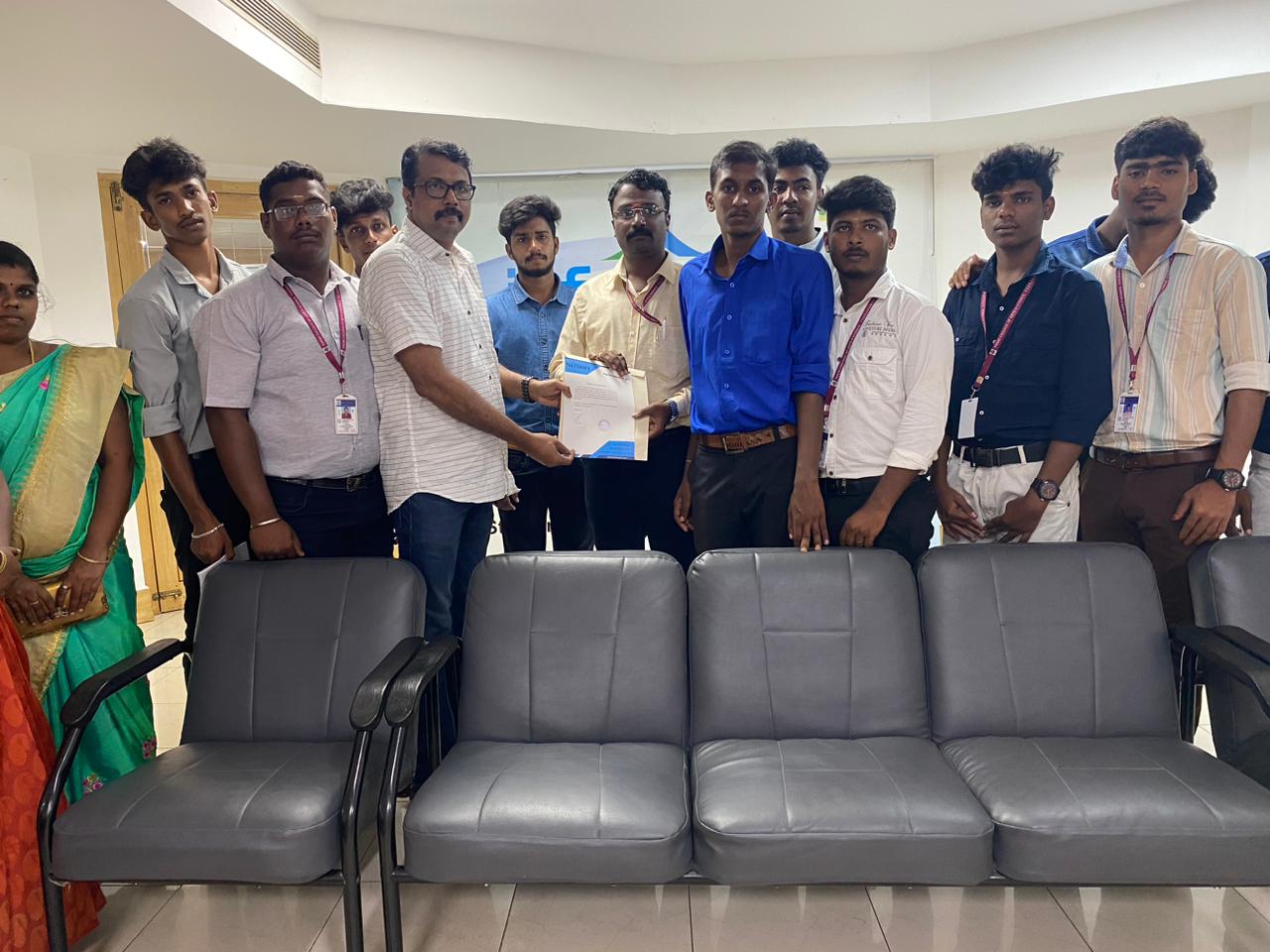
Our Training/Internship Process

Android - Syllabus, Fees & Duration
Getting Started with Kotlin
- Define Kotlin
- Environment Setup
- First Program Concept
- Kotlin Variable and Data Type
- Kotlin Type Conversion
- Kotlin Operator
- Input/Output
Control Flow
- if Expression
- when Expression
- for Loop and while Loop
- Do while Loop
- Return and Jump
- Continue Structure
Exploring Kotlin Functions
- Kotlin Function
- Recursion Function
- Default and Named Argument
- Kotlin Lambdas
- Higher-Order Function
- Kotlin Inline Function
Exception Handling
- Kotlin Try Catch
- Multiple Catch Block
- Nested Try Block
- Kotlin Finally Block
- Kotlin Throw Keyword
Overview of Collections
- Mutable Array
- Kotlin Collections
- List: listOf()
- mutableListOf()
- Kotlin ArrayList
- arrayListOf()
- Map: mapOf()
- Kotlin HashMap
- hashMapOf() and mutableMapOf()
- Set: setOf()
- mutableSetOf() and hashSetOf()
Exploring Kotlin OOPs
- Class and Object
- Nested and Inner Class
- Kotlin Constructor
- Visibility Modifier
- Kotlin Inheritance
- Abstract Class
- Kotlin Interface
- Data and Sealed Class
- Extension Function
- Kotlin Generics
Introduction to Ranges
- Integer Type Range
- Working Ranges
- Utility Function
Get Started with Kotlin Android
- Install Android Studio
- Hello World App
- Android TextView and EditText
- Kotlin Android Toast
- Android Button and Custom Toast
- Android Explicit and Implicit Intent
- Android ListView and AlertDialog
- Android Context Menu and Custom ListView
- Android Options Menu and Android Popup Menu
- Android WebView and SeekBar
- TabLayout with FrameLayout and ViewPager
- XML Parsing using DOM Parser and SAX Parsers
- Android XMLPullParser
This syllabus is not final and can be customized as per needs/updates
- Since 2001, Making IT Experts by Experts
- Duration: 60 Hours (Vary as per your skill)
- Course Fees
- Individual Live Classes (1:1)
- Batch Classes @ Low Fees
- Training on Your Time, Any Where
- Access to Recorded Videos
- Practical Internship on Projects
- 100% Placement Support by our jobsNEAR.in
- Training/Internship Certificate
- Agra
- Ahmedabad
- Alappuzha
- Aurangabad
- Bangalore
- Belgaum
- Bellary
- Bhubaneswar
- Chennai
- Cochin
- Coimbatore
- Delhi
- Dindigul
- Erode
- Gulbarga
- Guntur
- Gurgaon
- Haryana
- Hyderabad
- Idukki
- Indore
- Jaipur
- Kalyan
- Kannur
- Kanpur
- Kasaragod
- Kerala
- Kolkata
- Kollam
- Kottayam
- Kozhikode
- Lucknow
- Madurai
- Malappuram
- Mangaluru
- Mumbai
- Mysuru
- Nagpur
- Nashik
- Navi Mumbai
- Nizamabad
- Noida
- Palakkad
- Pathanamthitta
- Pune
- Punjab
- Salem
- Shimla
- Solapur
- Surat
- Thane
- Thanjavur
- Thirunelveli
- Thoothukudi
- Thrissur
- Tiruchirappalli
- Tiruppur
- Trivandrum
- Vadodara
- Varanasi
- Vellore
- Vijayawada
- Visakhapatnam
- Wayanad
Course Highlights

Our Locations

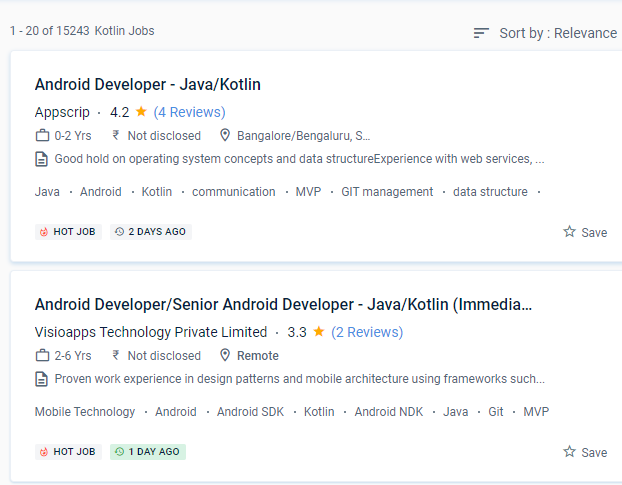
 Developers that utilize mobile app development can use a single codebase for both iOS and Android apps.
With the help of this program may convert difficult code into a more basic form without wasting time. The ability to use and share information from Java in a variety of ways is Kotlin's most powerful feature. Kotlin is a cross-platform programming language that will be used to develop Android apps as an alternative to Java.
. Since the platform was originally set up, android apps have been rolling in thick and fast through Nestsoft android online training in Belgaum. It also encourages test-driven development, which minimizes the number of bugs. We anticipate that first-class Android support will attract a large number of users to Kotlin and that the community will grow dramatically. It is used in the manufacture of several well-known firms. When developing using Kotlin, you may prevent mistakes like NullPoint Exceptions.
Developers that utilize mobile app development can use a single codebase for both iOS and Android apps.
With the help of this program may convert difficult code into a more basic form without wasting time. The ability to use and share information from Java in a variety of ways is Kotlin's most powerful feature. Kotlin is a cross-platform programming language that will be used to develop Android apps as an alternative to Java.
. Since the platform was originally set up, android apps have been rolling in thick and fast through Nestsoft android online training in Belgaum. It also encourages test-driven development, which minimizes the number of bugs. We anticipate that first-class Android support will attract a large number of users to Kotlin and that the community will grow dramatically. It is used in the manufacture of several well-known firms. When developing using Kotlin, you may prevent mistakes like NullPoint Exceptions.