Send enquiry ⏎

Fortinet Firewall Training in Trivandrum

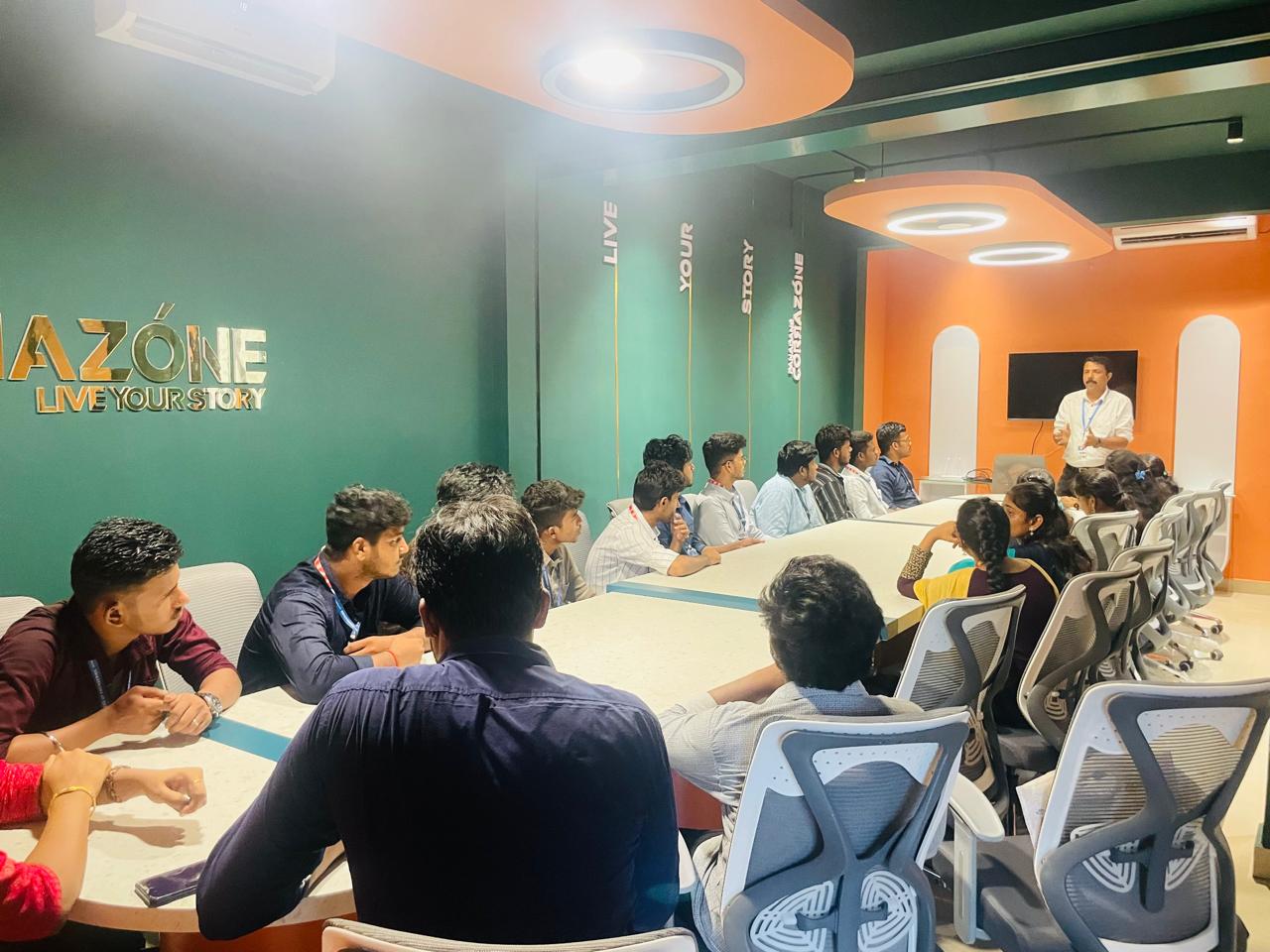
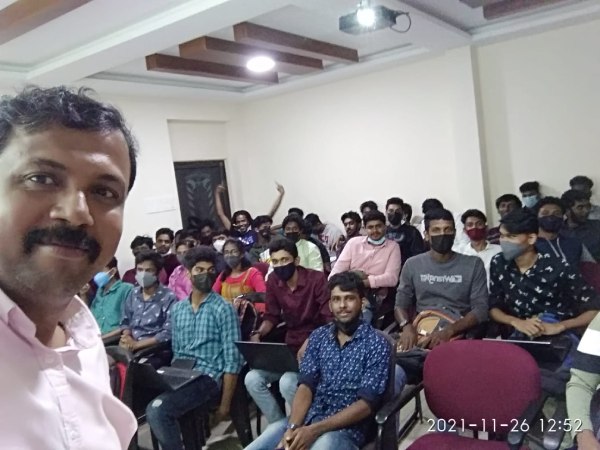
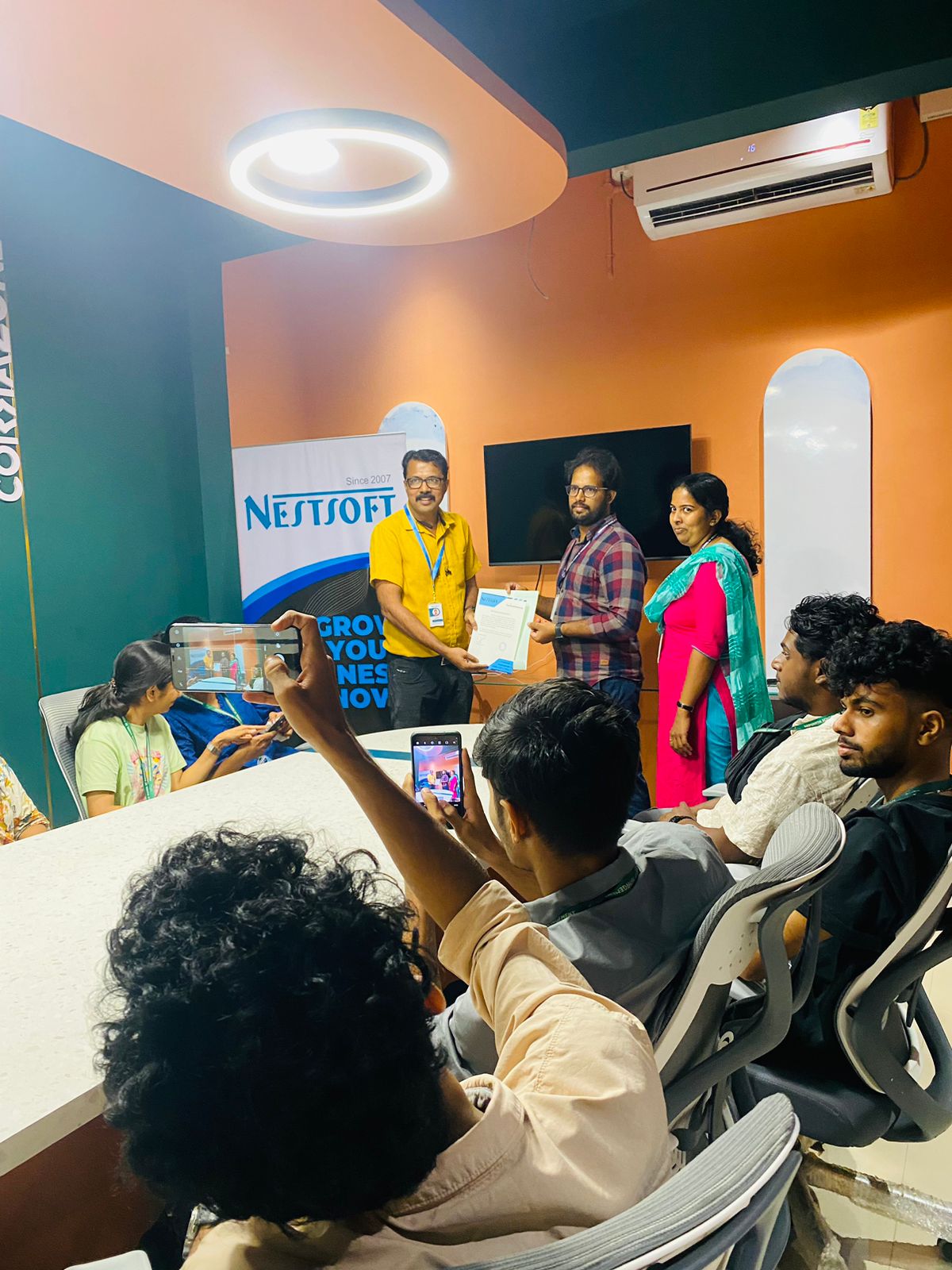
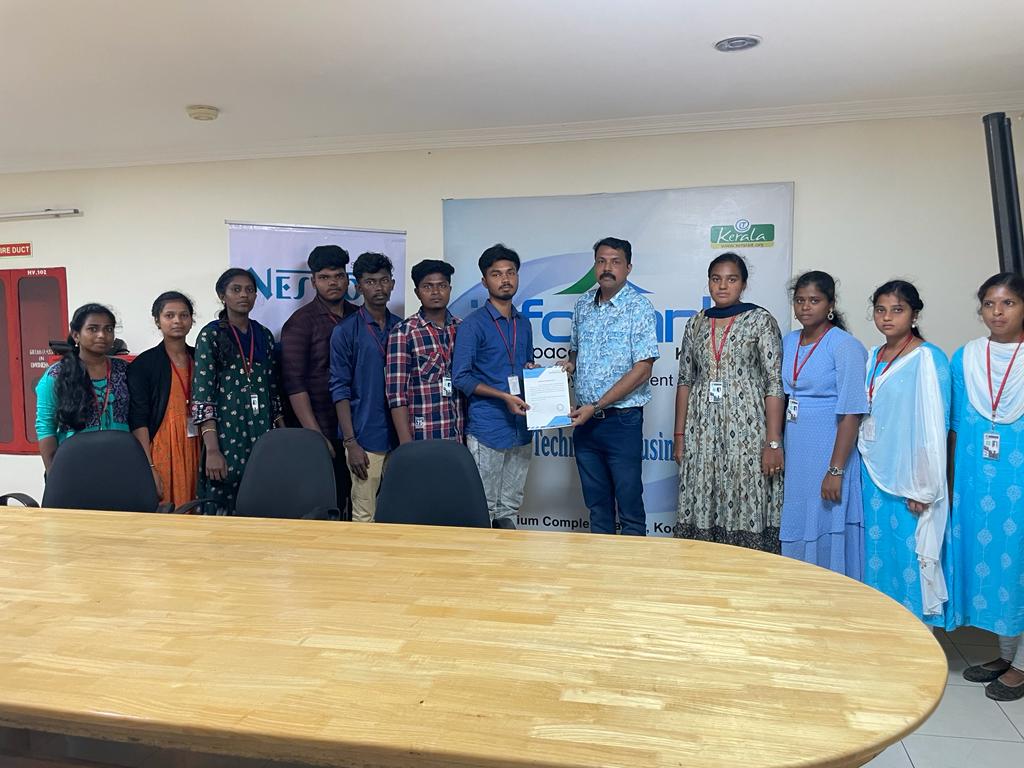
Our Training/Internship Process

Fortinet Firewall Training in Trivandrum | Free Demo Class

Fortinet Firewall - Syllabus, Fees & Duration

MODULE 1

  • System setup
  • Fort guard subscription services
  • Logging
  • Firewall policies
  • Policies
  • Policies lab

MODULE 2

  • Firewall
  • Firewall types
  • How to control access
  • Managing firewall
  • NAT
  • Denial of service (DoS)

MODULE 3

  • Basic VPN
  • VPN uses, advantages and types
  • Need of firewall in VPN
  • Threat free tunneling
  • VPN Bandwidth management
  • SSL VPN
  • SSL VPN with RADIUS and forti token
  • SSL VPN using web and tunnel mode
  • Dialup IPsec VPN

MODULE 4

  • Authentication
  • Requirement and types of authentication
  • Group authentication
  • Traffic discovery
  • AD, LD AP, OR RADIUS

MODULE 5

  • Antivirus
  • Functioning of Anti-Virus & Anti-Spam
  • Basics of Virus, Spyware, Malware, Phishing, and Pharming.
  • Web/Mail/FTP Anti-Virus
  • Gateway level Anti-Virus/Anti-Spam
  • Instant Messaging
  • Virus Outbreak Detection
  • Recurrent Pattern Detection
  • RBL, IP Reputation
  • Understanding of Intrusion
  • Signature-based detection
  • Statistical anomaly-based detection
  • Stately protocol analysis detection
  • Network-Based IPS & Wireless Based IPS
  • Network Behaviour Analysis
  • Host-Based IPS

MODULE 6

  • Spam filtering
  • Web filtering
  • Need for web filtering
  • Web 2.0 filtering
  • Filtering with keywords, URL
  • Filtering web traffics

MODULE 7

  • Application firewall
  • Evolution of Application Firewall
  • File Filtering
  • Application & P2P Filtering
  • Instant Messaging Filters
  • Custom Filters
  • Compliance based filtering

MODULE 8

  • WiFi
  • Wifi settings
  • Wifi MAC filter
  • Wifi monitoring

MODULE 9

  • Network availability
  • High availability
  • Load balancing
  • Understand balancing
  • Multilink manager
  • Active-Active load balancing and gateway failover
  • Active – Passive configuration and gateway failover
  • MPLS failover to VPN
  • Automatic ISP failover detection

Download Syllabus - Fortinet Firewall
This syllabus is not final and can be customized as per needs/updates
   
10000+
20+
50+
25+

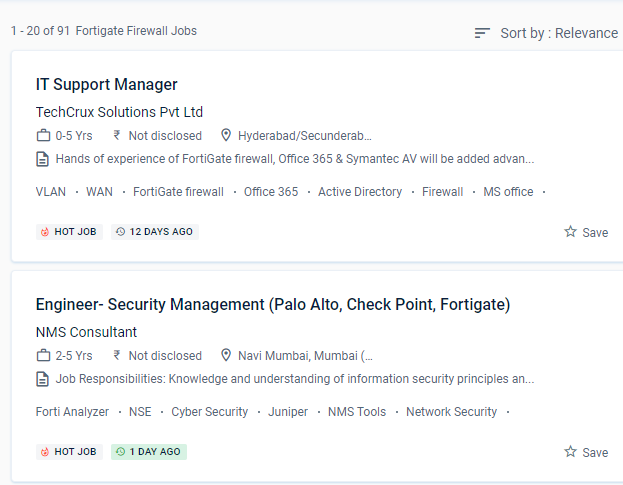
Fortinet Firewall Jobs in Trivandrum

Enjoy the demand

Find jobs related to Fortinet Firewall in search engines (Google, Bing, Yahoo) and recruitment websites (monsterindia, placementindia, naukri, jobshybrid.com, indeed.co.in, shine.com etc.) based in Trivandrum, chennai and europe countries. You can find many jobs for freshers related to the job positions in Trivandrum.

  • Network engineer Fortinet firewall
  • Network security
  • Domain Specialist Oracle Cloud Infrastructure
  • Cybersecurity-Engineer
  • Network security -specialist
  • Fortinet engineer
  • Network Engineer
  • Technical account manager
  • Information security manager
  • System engineer- Fortinet

Fortinet Firewall Internship/Course Details

Fortinet Firewall internship jobs in Trivandrum
Fortinet Firewall The Fortinet Trivandrum course is a basic platform tailored toward various types of enterprises. Identify the Fortinet Security Fabric's features. Examine SSL/TLS-protected communication for evidence of encryption being used to circumvent security restrictions. Defeat piracy and denial-of-service attacks (DoS) For safe admission to your private system, provide an SSL VPN. Based on the Fortinet course in Trivandrum learn how to manage setup, monitoring, and operations with FortiGate appliances. And, as malware and threats grow more difficult to detect at the access point, security must be extended across the network to monitor behaviors and reveal intent. Prepare the professional for the implementation of corporate security policies and the strengthening of network security programs. For administration, use the GUI and CLI. NESTSOFT train IT and Fortinet ecosystem workers in information, configuration, and management to safeguard networks of enterprises whose most valuable asset is their data. Gather and analyze log entries .

Meet a Few of our Industry Experts 🚀 Your Pathway to IT Career

Shweta

Mobile: +91 94975 90866
Location: Online (Trivandrum, India)
Qualification: Btech

Experience: Software development sales analysis Java C C++ C# academic mentor  more..

Nasheema

Mobile: +91 9895490866
Location: Online (Trivandrum, India)
Qualification: BA Literature

Experience: Video editing to my mobile data analysis and Data entry operator in higher system administrator ms office Excel networking  more..

Gaikwad

Mobile: +91 91884 77559
Location: Online (Trivandrum, India)
Qualification: Btech

Experience: Iam writing to express my interest in the Frontend Developer position at infogrowth With three years of experience in frontend  more..

Rutuja

Mobile: +91 8301010866
Location: Online (Trivandrum, India)
Qualification: BE civil

Experience: 7 month experience in AutoCAD design consultant - HTJA and associates nashik  more..

PRIYANKA

Mobile: +91 94975 90866
Location: Online (Trivandrum, India)
Qualification: BE (COMPUTER)

Experience: Having 4 years 2 months of experience in IT development as a Software Engineer Can provide training for front end  more..

Nimish

Mobile: +91 89210 61945
Location: Online (Trivandrum, India)
Qualification: B.E

Experience: I am particularly proud of my recent projects such as the Summarize Study Tool and the Applied Data Science Capstone  more..

Aastha

Mobile: +91 91884 77559
Location: Online (Trivandrum, India)
Qualification: MCA

Experience: 3+ years of experience in WordPress development in which I have worked on Theme customization Security related issues troubleshooting ACF  more..

Reshma

Mobile: +91 9895490866
Location: Online (Trivandrum, India)
Qualification: B.E. Agriculture Engineering

Experience: Data cleaning Data exploration Data visualisation and predictive analysis and also know basics of python and I familiar with working  more..

Jithumon

Mobile: +91 98474 90866
Location: Online (Trivandrum, India)
Qualification: diploma

Experience: php codeignatr   more..

Sahil

Mobile: +91 91884 77559
Location: Online (Trivandrum, India)
Qualification: M.sc(Comp.Sci)

Experience: Skills : JavasScript Java C++ HTML5 CSS3 Tailwind CSS React js React Redux Git MongoDB SQL Building visually appealing user-friendly  more..

SRUTHY

Mobile: +91 91884 77559
Location: Online (Trivandrum, India)
Qualification: MCA

Experience: Java HTML5 Bootstrap CSS Wordpress Microsoft Word Microsoft Excel Undertaking Software Testing course at Luminartechnolabs Worked as junior php developer  more..

Ganesh

Mobile: +91 91884 77559
Location: Online (Trivandrum, India)
Qualification: BE in Electronics and Communication Engineering

Experience: Ethical Hacking Python Devops Data analysis Web development Cyber security  more..

Sudhanshu

Mobile: +91 8301010866
Location: Online (Trivandrum, India)
Qualification: B.Tech

Experience: I am Sudhanshu Ranjan a Software Developer at Tech Martin Pvt Ltd with 2 months of internship experience I have  more..

Sinsy

Mobile: +91 89210 61945
Location: Online (Trivandrum, India)
Qualification: Btech IT

Experience: iOS developer  more..

Akshara

Mobile: +91 94975 90866
Location: Online (Trivandrum, India)
Qualification: B.Des

Experience: Digital design contribution for catalogs flyers and newsletters for a company using Photoshop and Indesign as tools Designed and cataloged  more..

Karthiga

Mobile: +91 91884 77559
Location: Online (Trivandrum, India)
Qualification: Mca

Experience: I'm a frontend developer with 1 6 yrs of professional experience in developing a user friendly website |   more..

Regz

Mobile: +91 89210 61945
Location: Online (Trivandrum, India)
Qualification: BE

Experience: dot net php sql java perl python  more..

kumavat

Mobile: +91 91884 77559
Location: Online (Trivandrum, India)
Qualification: bca

Experience: microsoft office html css javascript php mysql bootstrap  more..

prem

Mobile: +91 94975 90866
Location: Online (Trivandrum, India)
Qualification: B-tech

Experience: I am a skilled UI UX designer with nearly one year of professional experience My design expertise encompasses Figma UI  more..

pratik

Mobile: +91 9895490866
Location: Online (Trivandrum, India)
Qualification: Bsc-IT

Experience: Proficient in HTML CSS and Bootstrap Solid understanding of web development principles and best practices Experience in creating responsive and  more..

Jakka

Mobile: +91 9895490866
Location: Online (Trivandrum, India)
Qualification: BA

Experience: 1 Extensive knowledge of cyber security principles practices and technologies 2 Proficient in conducting vulnerability assessments and penetration testing 3  more..

Abhsihek

Mobile: +91 9895490866
Location: Online (Trivandrum, India)
Qualification: BE IT

Experience: I am writing to express my keen interest in the Automation Test Engineer position With 3 6 years of Experience  more..

Alan

Mobile: +91 94975 90866
Location: Online (Trivandrum, India)
Qualification: Bca

Experience: Worked 6 months as junior php web developer trainee Done projects in core php html jquery and mysql  more..

Suhail

Mobile: +91 91884 77559
Location: Online (Trivandrum, India)
Qualification: Bsc computer science

Experience: I have contributed in e-commerce website as a developer using html css Java script and node js and mongo db  more..

Success Stories

The enviable salary packages and track record of our previous students are the proof of our excellence. Please go through our students' reviews about our training methods and faculty and compare it to the recorded video classes that most of the other institutes offer. See for yourself how TechnoMaster is truly unique.

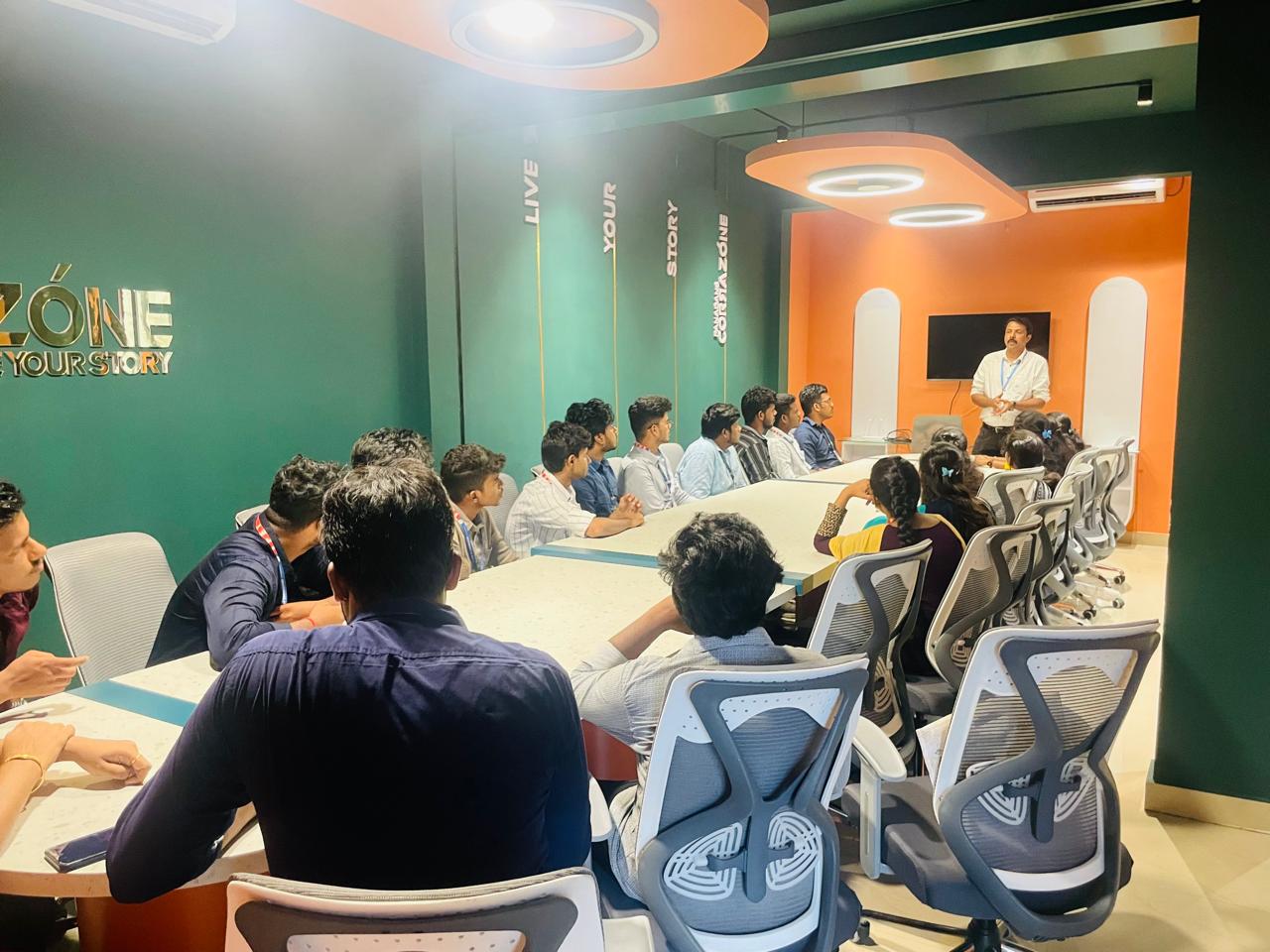
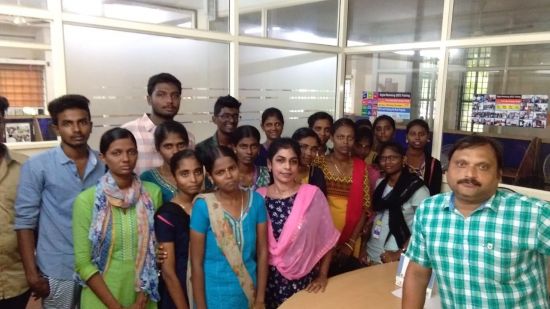
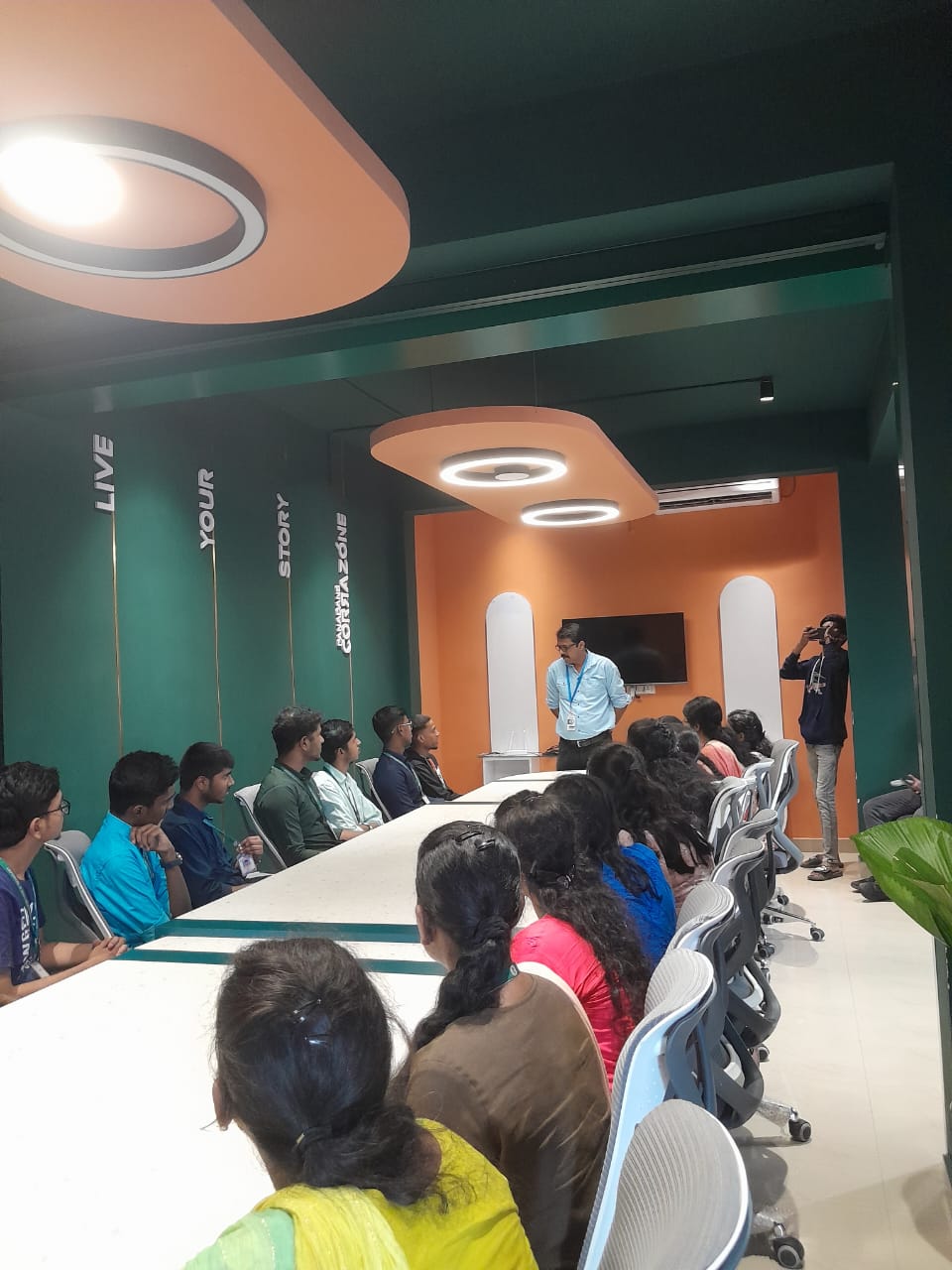
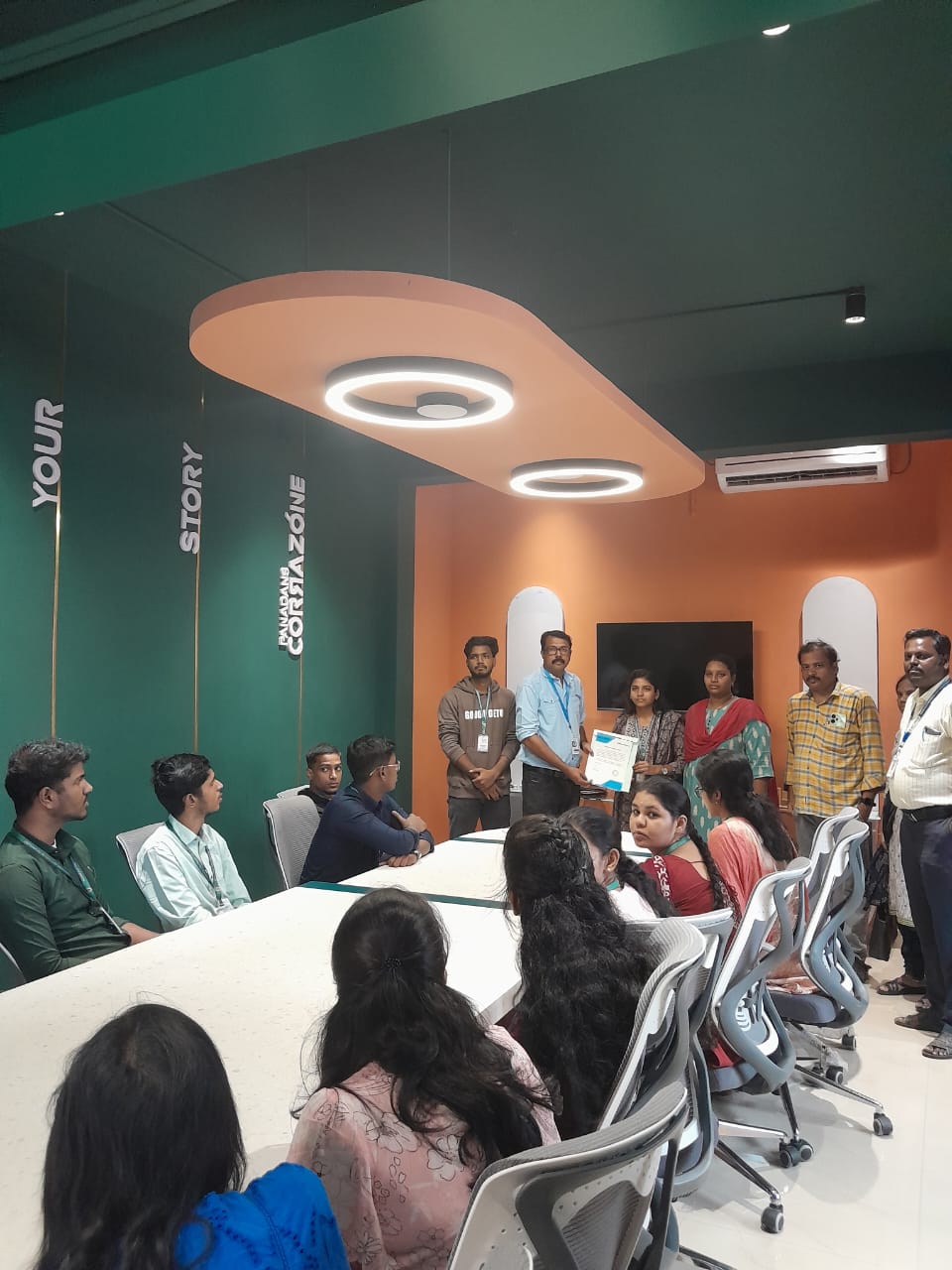
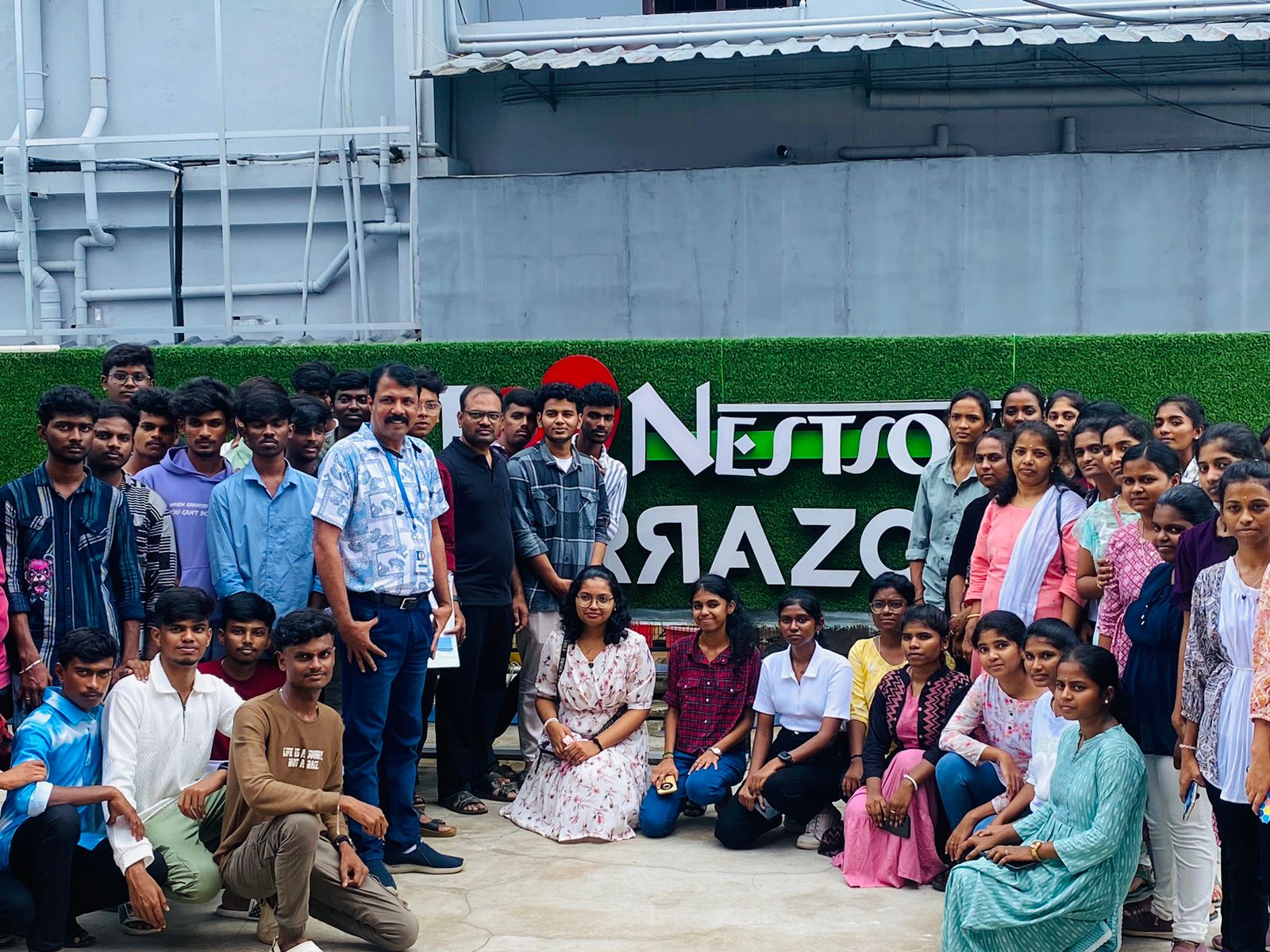
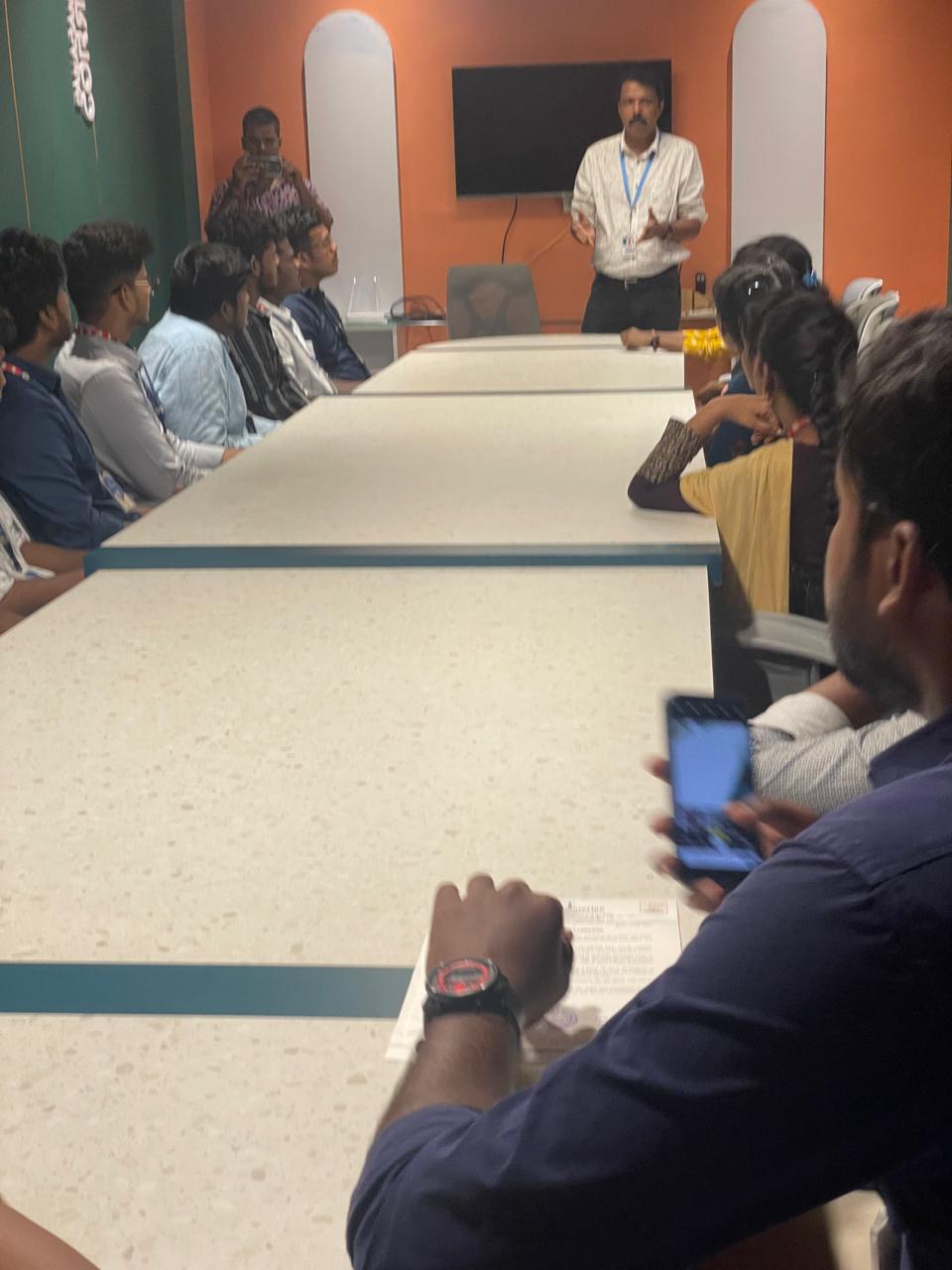
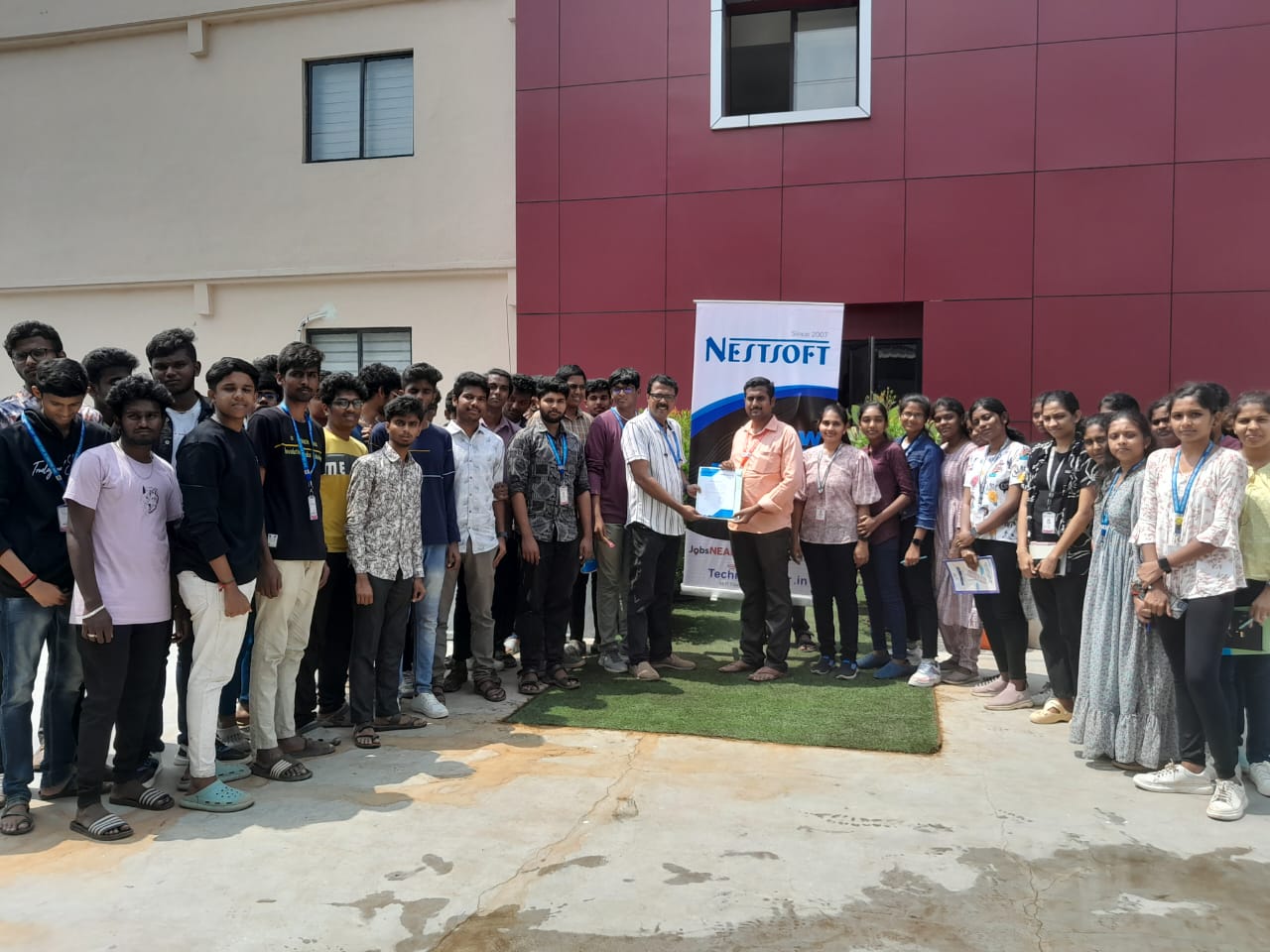
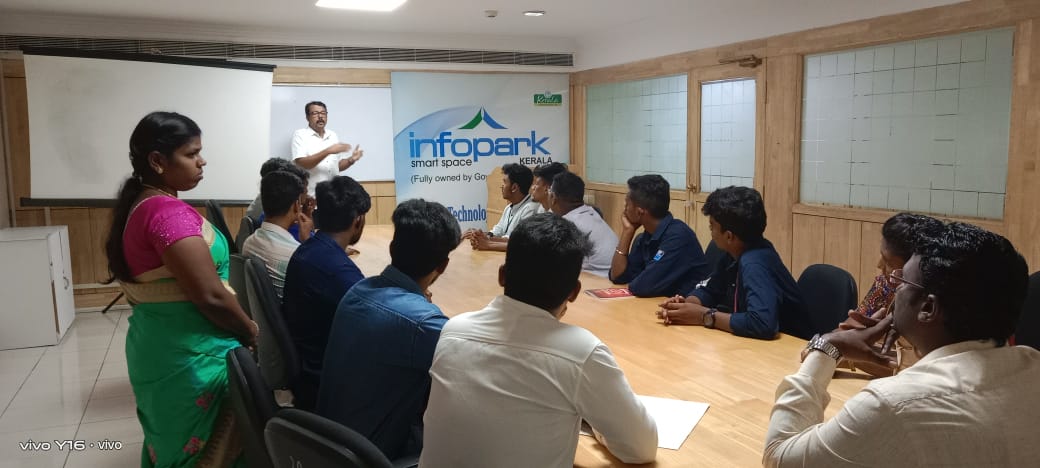
Photos of Training / Internships

Internship/projects in trivandrum

Trained more than 10000+ students who trust Nestsoft TechnoMaster

Get Your Personal Trainer